


lynx-ui is officially released
UI Components for ReactLynx
Pack the best Lynx for you, one component at a time

Intuitive and clear APIs

No need to write complex x elements from scratch
Standard component code
lynx-ui code
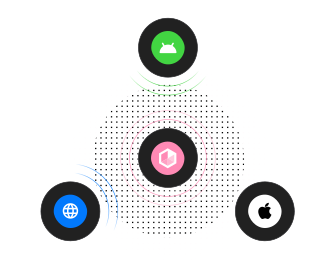
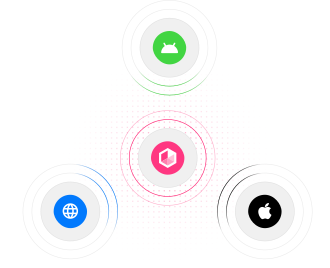
Consistent across multiple platforms
Platform differences are handled at this layer, with battle-tested solutions ensuring long-term consistency.
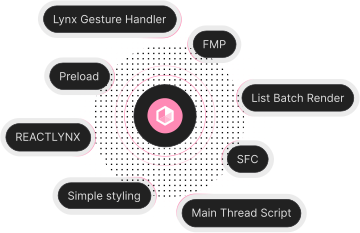
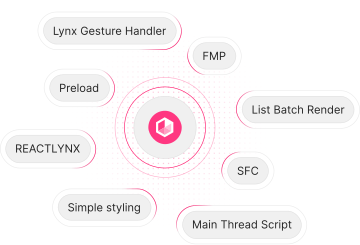
Built for performant Lynx experiences
We will provide you with the best practices for Lynx APIs.
Forward and backward version compatibility
The advantage of flexible deployment on the front end enables new features and new engine adaptation schemes to run on more platform versions at the first time.
Start building with lynx-ui
Except as otherwise noted, this work is licensed under a Creative Commons Attribution 4.0 International License, and code samples are licensed under the Apache License 2.0.