

Lynx 3.5: Main Thread Script, React Compiler, HarmonyOS Improvements
← All Posts


Lynx 3.5 is now officially released!
Following our stable bi-monthly release cadence, Lynx 3.5 brings several key improvements. This release adds experimental support for React Compiler, enhances main thread scripts with stopPropagation for better event bubbling control, enables immediate interactivity after first-frame rendering, and improves cross-thread communication. We've also expanded HarmonyOS platform support and introduced new features like the pointer-events CSS property.
Let's dive in and see what's new!
React Compiler experimental
React Compiler optimizes components at compile time, so you don't need to manually add useMemo, useCallback, or memo. You can now use React Compiler in ReactLynx to optimize your app's performance.
Learn how to enable React Compiler in ReactLynx.
Main Thread Script
Event Stop Propagation Web Friendly
When an event fires, it propagates through event bubbling, allowing different parts of your UI to handle it. Previously, Lynx only supported static event bubbling interception via catch-type event handler attributes, which lacked the flexibility of web standards. With Lynx 3.5, main thread scripts now support event.stopPropagation(), giving you runtime control over event bubbling that matches what you'd expect on the web.

Immediate Interactivity After First-Frame
Previously, main thread events had to wait for the background thread to complete hydration before responding, creating a frustrating delay where the page looked ready but wasn't interactive, similar to the uncanny valley effect commonly seen in server-side rendering.
To eliminate this delay, we optimized the hydration process so that main thread events can respond immediately after the first frame is rendered. After the background thread hydrates, it correctly takes over the state from the main thread and replays runOnBackground calls, ensuring proper synchronization between threads while achieving immediate interactivity as soon as the first frame is visible.
Cross-Thread Function Calls Now Return Values
Lynx provides runOnMainThread and runOnBackground for cross-thread function calls. In Lynx 3.5, both APIs now support async return values, making cross-thread communication more flexible and intuitive.
Built-in Animations for <list> Updates
The <list> element now includes default update animations out of the box. When you add, remove, or update list items, smooth transitions are applied automatically—no extra code needed.
|
|
|
| Delete | Update | Insert |
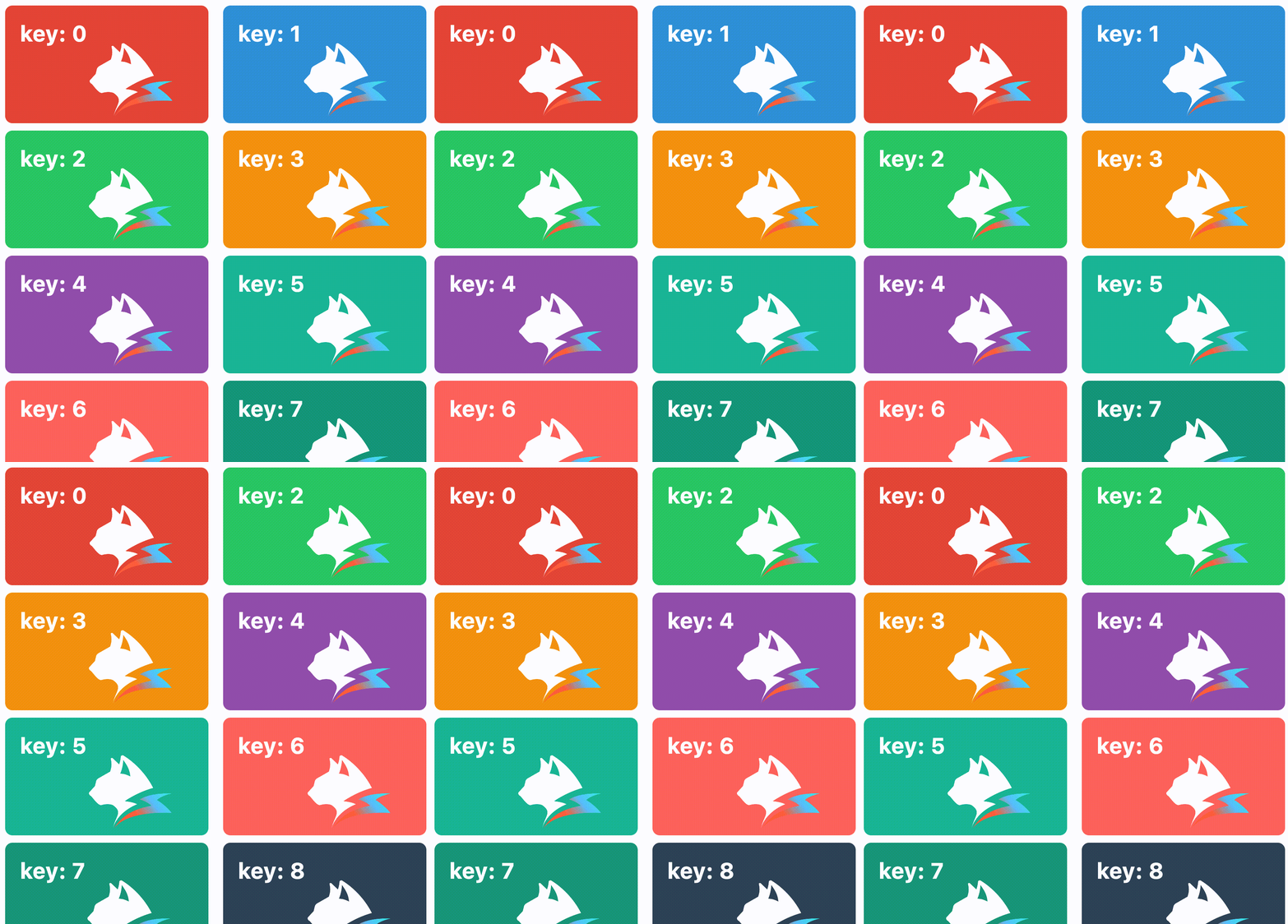
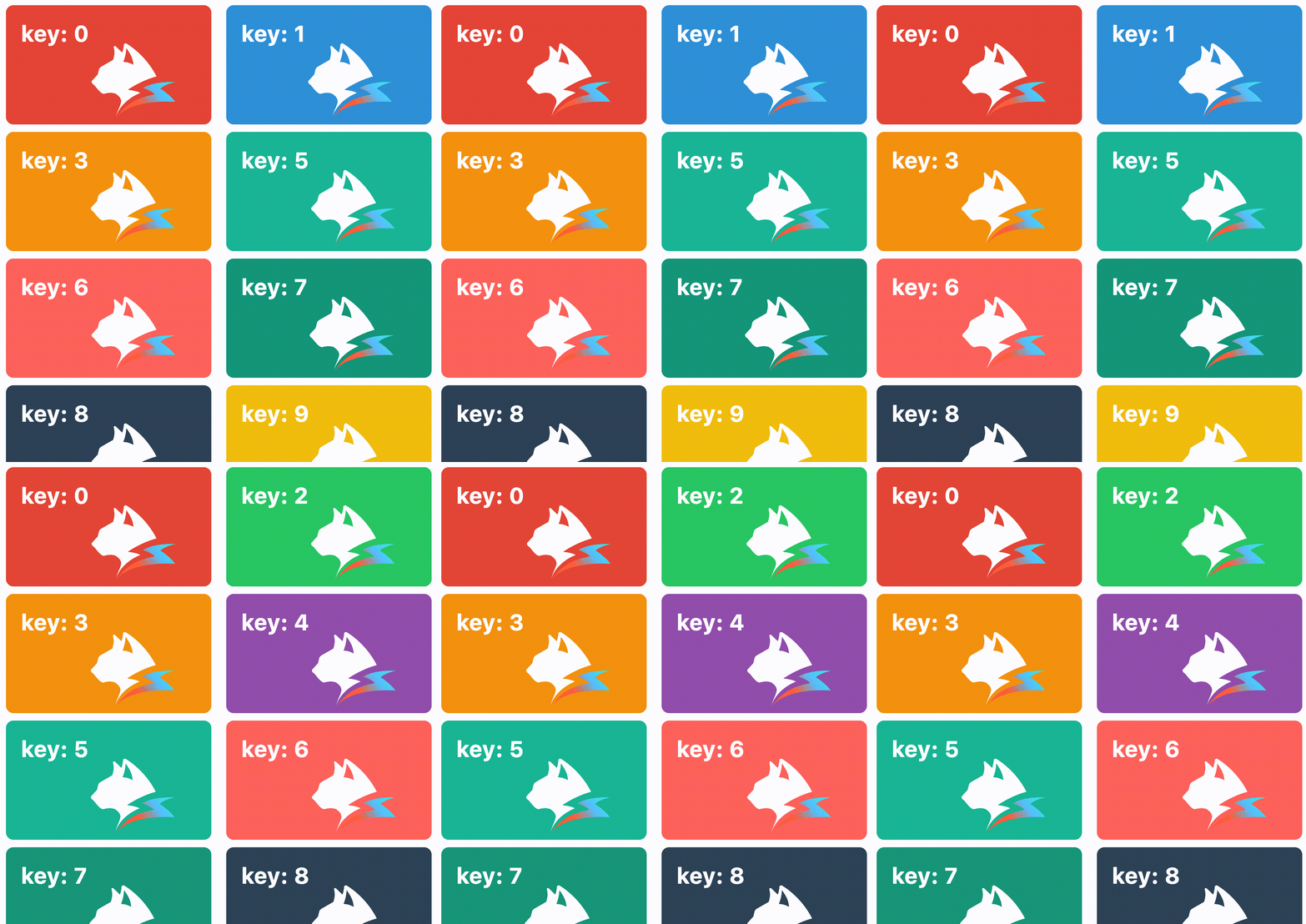
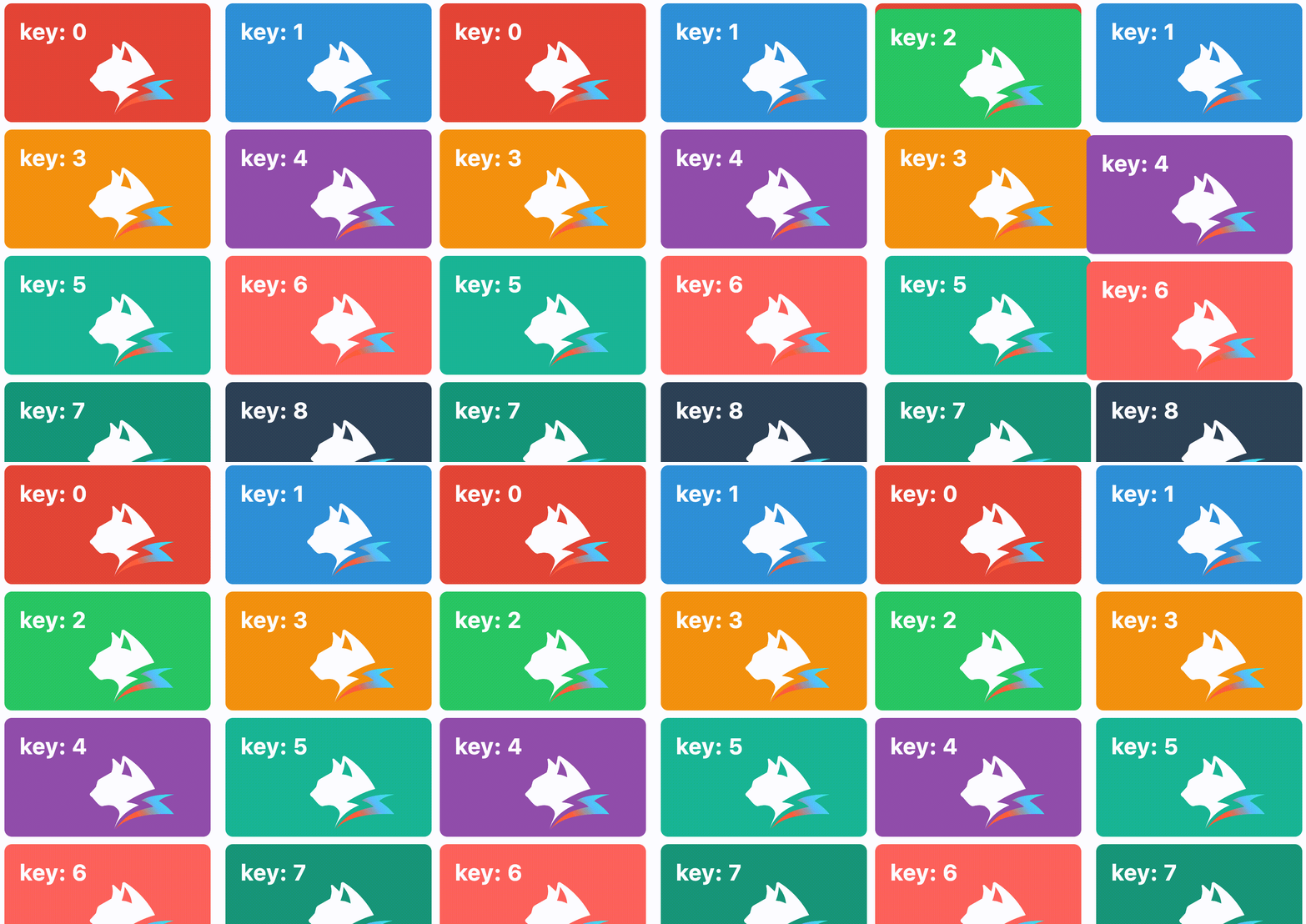
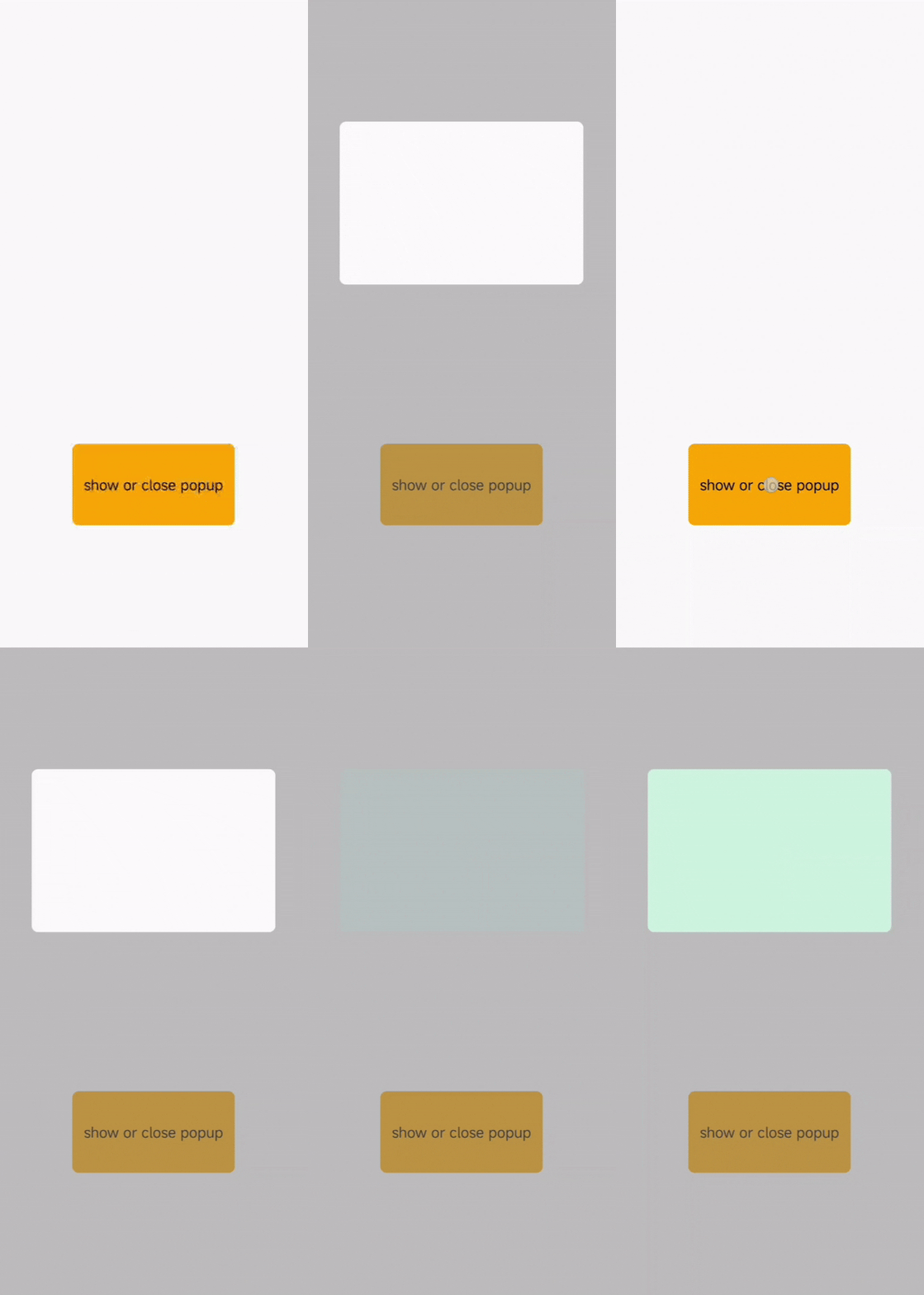
CSS Property: pointer-events Web Friendly
Lynx 3.5 adds support for the pointer-events CSS property, giving you control over whether an element can receive touch events.
HarmonyOS Improvements
Fetch API
Lynx provides a Fetch API that follows web standards, so it works just like you'd expect. With Lynx 3.5, Fetch API support extends to HarmonyOS, making cross-platform development even easier.
accessibilityAnnounce
Lynx 3.5 adds accessibilityAnnounce() support on HarmonyOS, bringing it in line with Android and iOS. This method lets screen readers announce specific text, helping visually impaired users understand interface changes and action results.
requestResourcePrefetch
The requestResourcePrefetch API is now available on HarmonyOS, matching Android and iOS support. Use it to prefetch CDN resources like images, videos, and audio files for faster loading.
Upgrade Guide
To upgrade to Lynx 3.5, follow the integration guide and update your Lynx dependency versions.
One More Thing: Desktop Support Preview
We previously planned for Lynx 3.5 to introduce desktop support. At the time, our plan was to open source our custom rendering pipeline and low-level integration APIs for desktop. Since then, we've decided to go further and open source the full desktop stack to give you a more battery-included experience. As a result, we would have to adjust our timeline to early 2026.
To get a preview of where we are heading, and how our approach both learns from and differs from prior arts like Electron and Qt, check out the talk "Bringing Lynx to Desktop and Beyond" from our Multi-Platform Lead ZhiXuan Wang at Ubuntu Summit 2025: