

-x-auto-font-size-line-ranges
Introduction
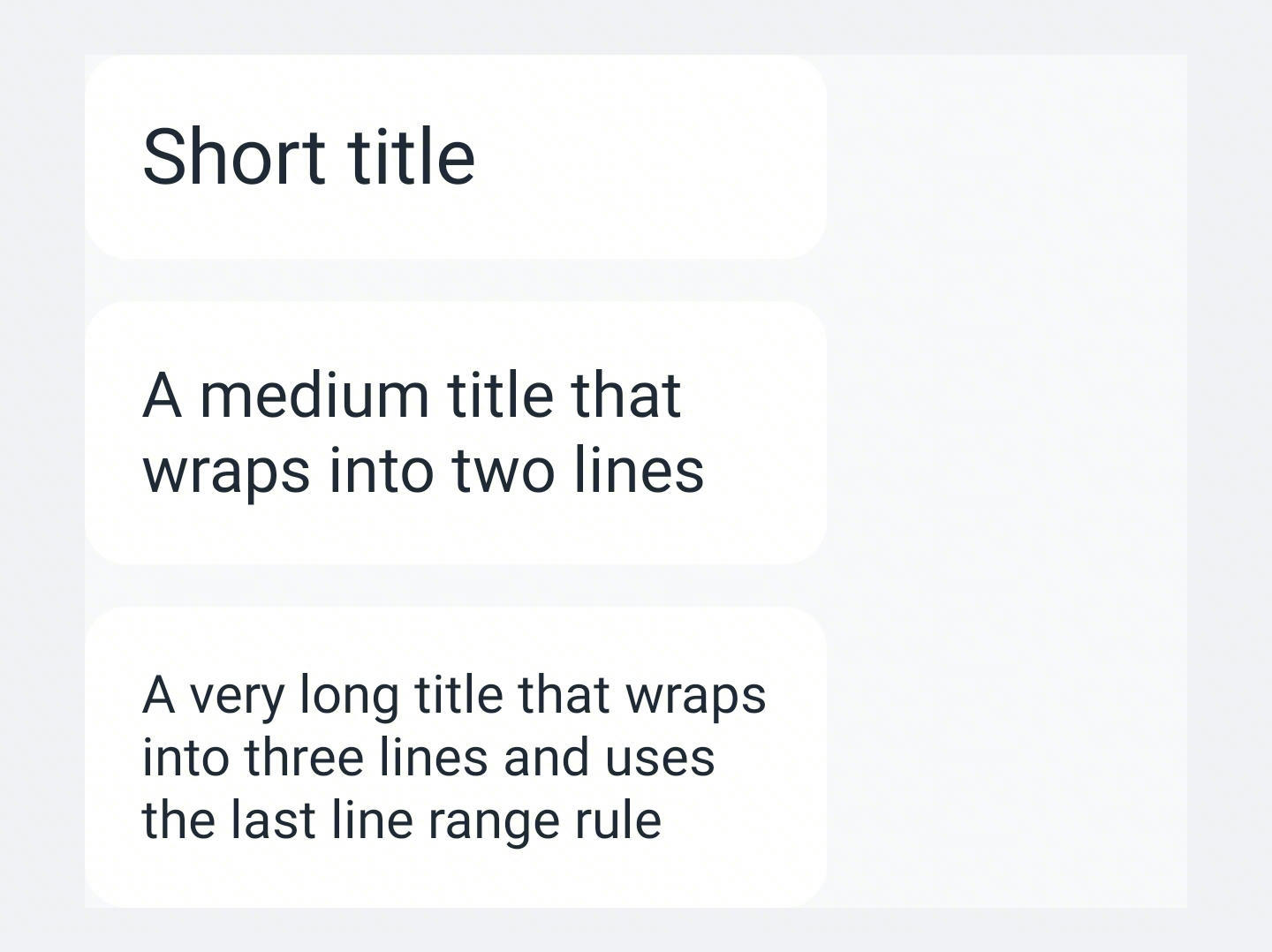
The -x-auto-font-size-line-ranges property defines line-count-based font size ranges for text auto sizing. Use it together with -x-auto-font-size: true to provide different font size search ranges for different rendered line counts.
Examples
Syntax
Values
line-range(<line-count>, <min-size>[, <max-size>])- Defines one line-count rule.
<line-count>can be an exact positive integer such as1or an open-ended range such as3 to infinity.<min-size>is required and must be a<length>.<max-size>is optional and must be a<length>. If omitted, the value defaults to<min-size>, meaning a fixed font size is used for the matched rule.
Formal definition
| Initial value | [] |
| Applies to | text |
| Inherited | no |
| Animatable | no |
Formal syntax
Differences from Web
- This is a Lynx-specific property.
Notes
- This property is only effective when
-x-auto-font-sizeis enabled. - This property overrides the minimum and maximum font size settings in
-x-auto-font-size. - When this property is set,
-x-auto-font-size-preset-sizesdoes not take effect.
Compatibility
LCD tables only load in the browser