

display
Introduction
In Lynx, the display only determines the internal display type of the element (how to layout the child elements), and does not determine the external display type (whether the element is considered a block-level element or an inline-level element).
Lynx does not have flow layout and does not support the display: block/inline syntax. All Lynx elements are block-level element, except for the elements inside the <text> component.
Linear layout is the default layout for elements in Lynx. You can set defaultDisplayLinear: false in the project configuration to change the default layout to [flexible box layout].
Examples
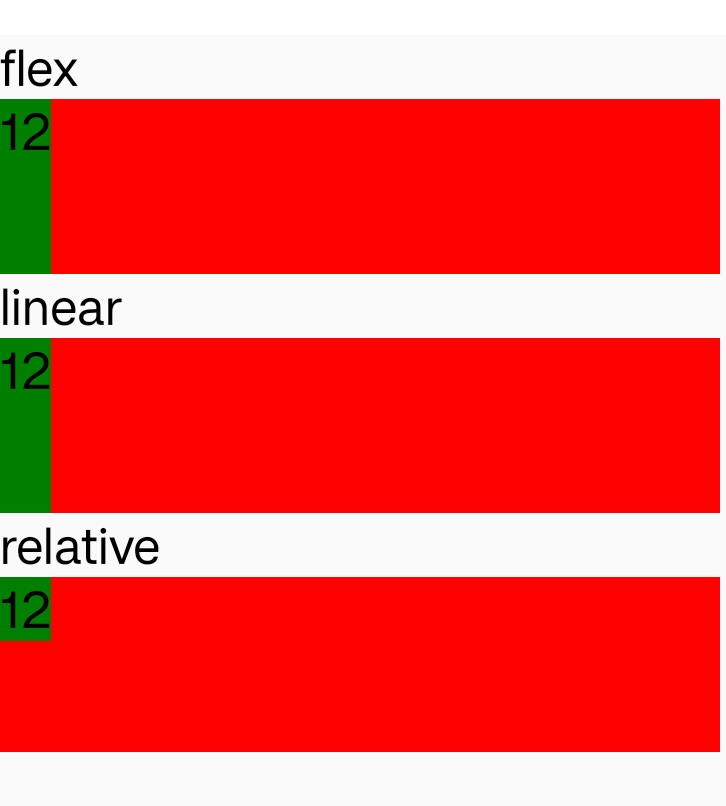
Syntax
Values
-
flexSee more in flexible box layout.
-
linearlinear layout is the default Layout model developed by Lynx. It has best performance in all types of layout in Lynx.
Info<scroll-view>is forced to be a linear layout, in which case<scroll-view>is formatted as a normal linear view. Both the alignment attribute and linear-weight take effect. Andscroll-x/scroll-ywill change the main axis to horizontal and vertical respectively. (The actual conversion is determined by whether to setscroll-x/scroll-y.) -
noneElement and its descents will be resized to 0x0.
InfoIf the parent element of the
<text>element is set todisplay:noneand the<text>element is still rendered visible, please addoverflow:hiddento the corresponding parent element. We will fix this issue in the future. -
gridElement will layout according to the grid layout layout model.
-
relativeRelative layout is a Layout model developed by Lynx.
Element will layout according to the relative layout model. Relative layout is a layout that displays children in relative positions, where each view's position can be specified relative to sibling elements (for example, to the left or below another view) or relative to the parent's area (e.g. align at bottom, left or center).
Formal definition
| Initial value | linear |
| Applies to | all elements |
| Inherited | no |
| Animatable |
Formal syntax
Difference with the web
- In Lynx, the
displayonly determines the internal display type of the element (how to layout the child elements), and does not determine the external display type (whether the element is considered a block-level element or an inline-level element). - relative layout and linear layout are Layout models developed by Lynx.
- Lynx does not have flow layout and does not support the
display: block/inlinesyntax. All Lynx elements are block-level element, except for the elements inside the<text>component. inline-block,inline-flex,inline-gridare not supported.
Compatibility
LCD tables only load in the browser
FAQ
<scroll-view>is forced to be a linear layout, in which case<scroll-view>is formatted as a normal linear view. Both the alignment attribute andlinear-weighttake effect. Andscroll-x/scroll-ywill change the main axis to horizontal and vertical respectively. (The actual conversion is determined by whether to setscroll-x/scroll-y.)