

deprecated grid-column-span
Warning
This API is deprecated.
Introduction
Contributes a grid span to the grid item's placement.
If there are grid-column-start and grid-column-end, this css property will be overridden.
Examples
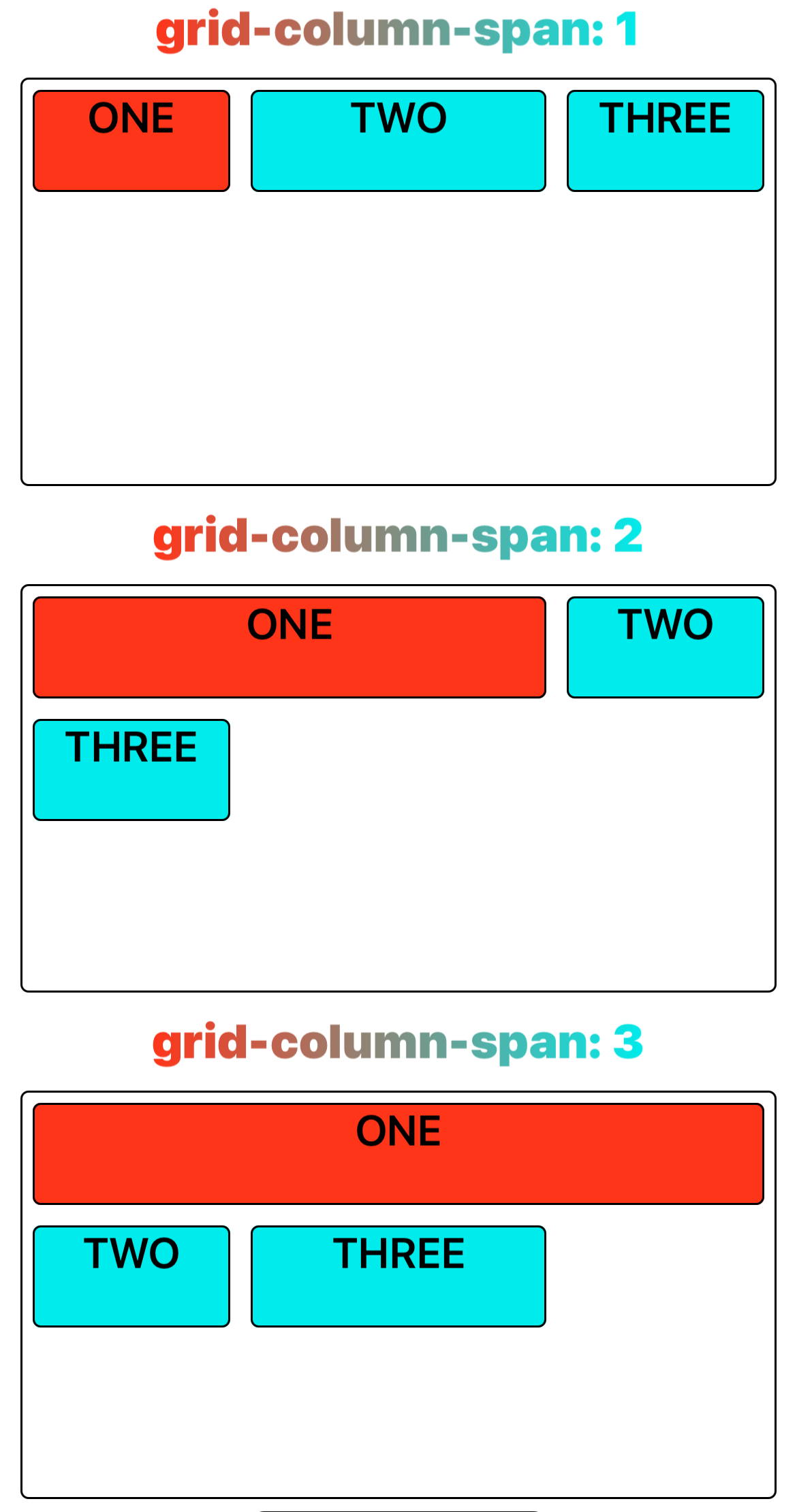
Syntax
Values
-
<number>Contributes a grid span to the grid item's placement.
Formal definition
| Initial value | 1 |
| Applies to | grid items |
| Inherited | no |
| Animatable |
Formal syntax
Differences from the Web
- There is no such style in Web.
Notes
-
When
grid-column-startandgrid-column-endspecify two distinct grid lines, the column span is determined by the distance between those lines, andgrid-column-spanis ignored. The following item spans three columns: -
Do not combine
grid-column-spanwithspan <number>ingrid-column-startorgrid-column-end. Both specify the column span and can override each other. The following declarations specify conflicting spans of three columns and one column:
Compatibility
LCD tables only load in the browser