For AI agents: the complete documentation index is available at /next/llms.txt, the full documentation bundle is available at /next/llms-full.txt, and this page is available as Markdown at /next/api/css/properties/transition-property.md.
Lynx
  • English
  • transition-property

    Introduction

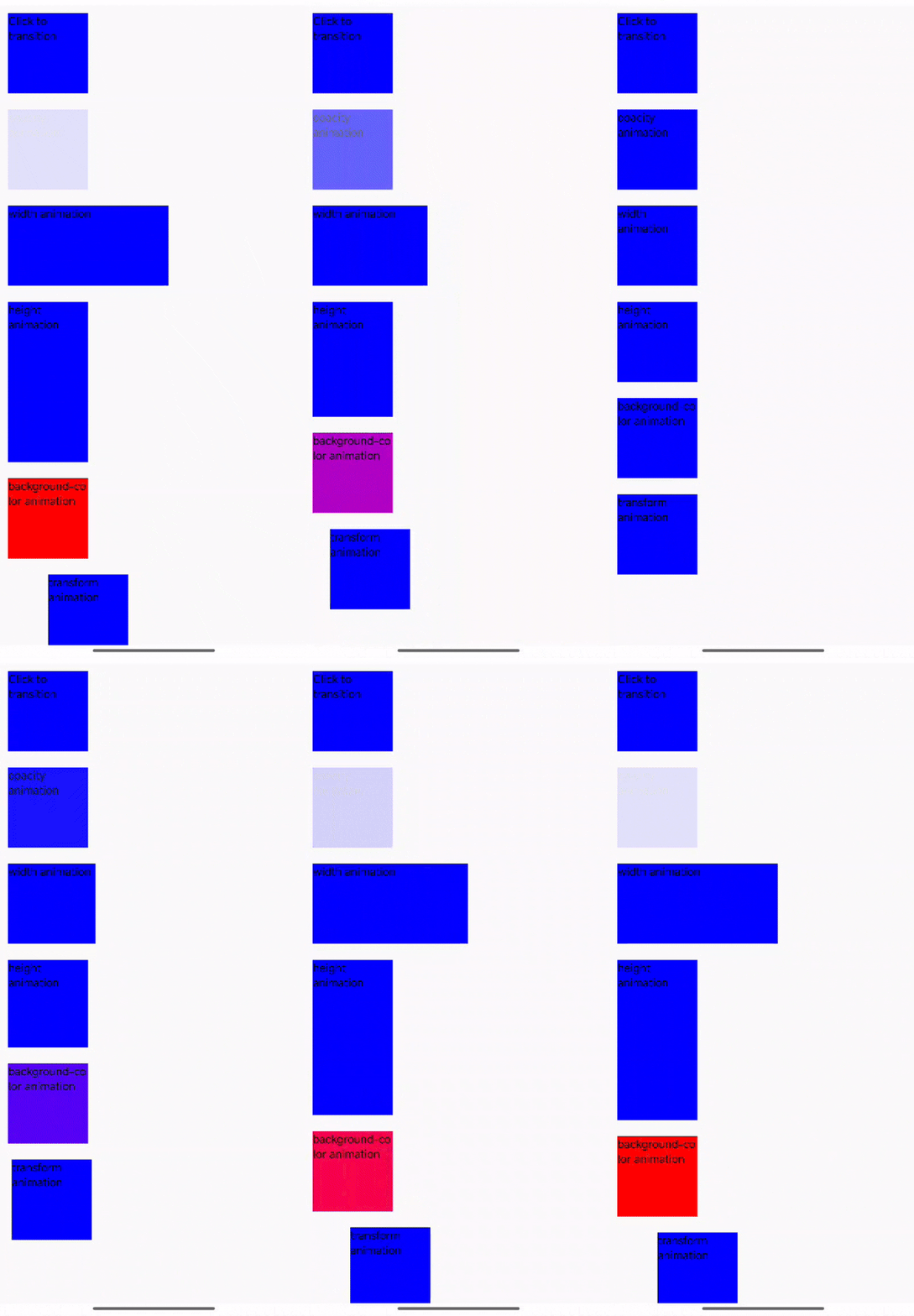
    The transition-property CSS property sets the CSS properties to which a transition effect should be applied.

    Examples
    Syntax

    /* Keyword values */
    transition-property: none;
    transition-property: all;
    
    /* <custom-ident> values */
    transition-property: test_05;
    transition-property: -specific;
    transition-property: sliding-vertically;
    
    /* Multiple values */
    transition-property: test1, animation4;
    transition-property: all, height, color;

    Values

    • left
    • right
    • top
    • bottom
    • width
    • height
    • opacity
    • background-color
    • color
    • transform
    • transform-origin
    • max-width
    • min-width
    • max-height
    • min-height
    • padding-left
    • padding-right
    • padding-top
    • padding-bottom
    • margin-left
    • margin-right
    • margin-top
    • margin-bottom
    • border-left-width
    • border-right-width
    • border-top-width
    • border-bottom-width
    • border-left-color
    • border-right-color
    • border-top-color
    • border-bottom-color
    • flex-basis
    • flex-grow
    • filter

    Formal definition

    Initial valueempty value
    Applies toall elements
    Inheritedno
    Animatableno

    Formal syntax

    transition-property =
      none                           |
      <single-transition-property>#
    
    <single-transition-property> =
      all             |
      <custom-ident>

    More

    Compatibility

    LCD tables only load in the browser

    Except as otherwise noted, this work is licensed under a Creative Commons Attribution 4.0 International License, and code samples are licensed under the Apache License 2.0.