

relative-align-top
Introduction
In relative-layout, specifies that the current element is aligned with the top edge of the parent or sibling element corresponding to id.
Examples
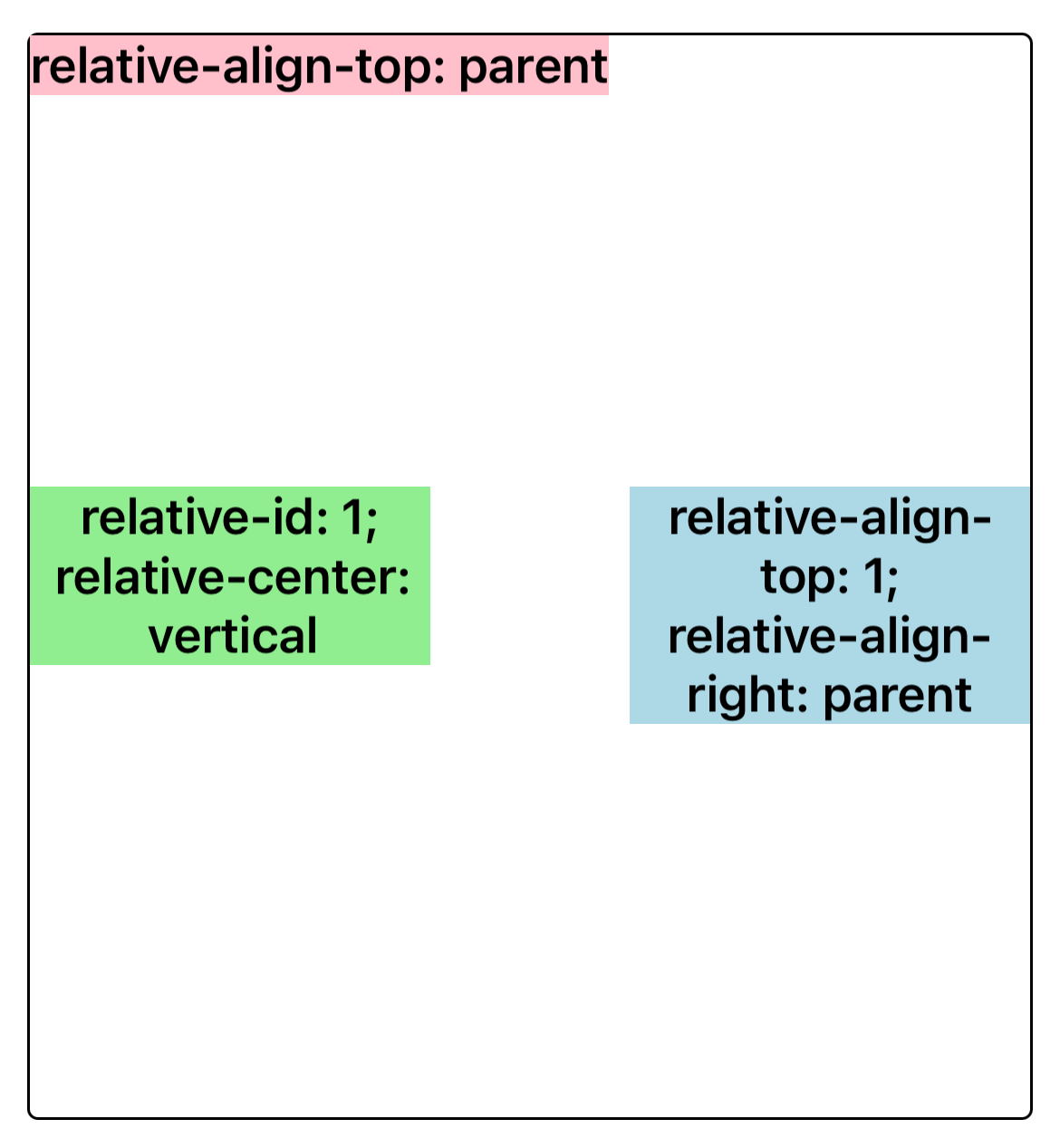
Syntax
Values
-
noneDefault Value. Does not align on the top edge.
-
parentThe top edge is aligned with the parent element.
-
<number>intonly. The top edge is aligned with the sibling element corresponding to this value(refer torelative-id).InfoAttention please when setting
relative-id:-1and0are special values.-1is the default value, indicating that the current element will not be considered as the alignment reference standard for sibling elements. Using0as an element ID is not allowed, as it will result in unexpected behavior.
Formal definition
| Initial value | none |
| Applies to | relative items |
| Inherited | no |
| Animatable |
Formal syntax
Difference between web
- There is no such style in web.
Compatibility
LCD tables only load in the browser