

cursor
Introduction
The cursor CSS property controls the mouse pointer displayed when the pointer hovers over an element.
Examples
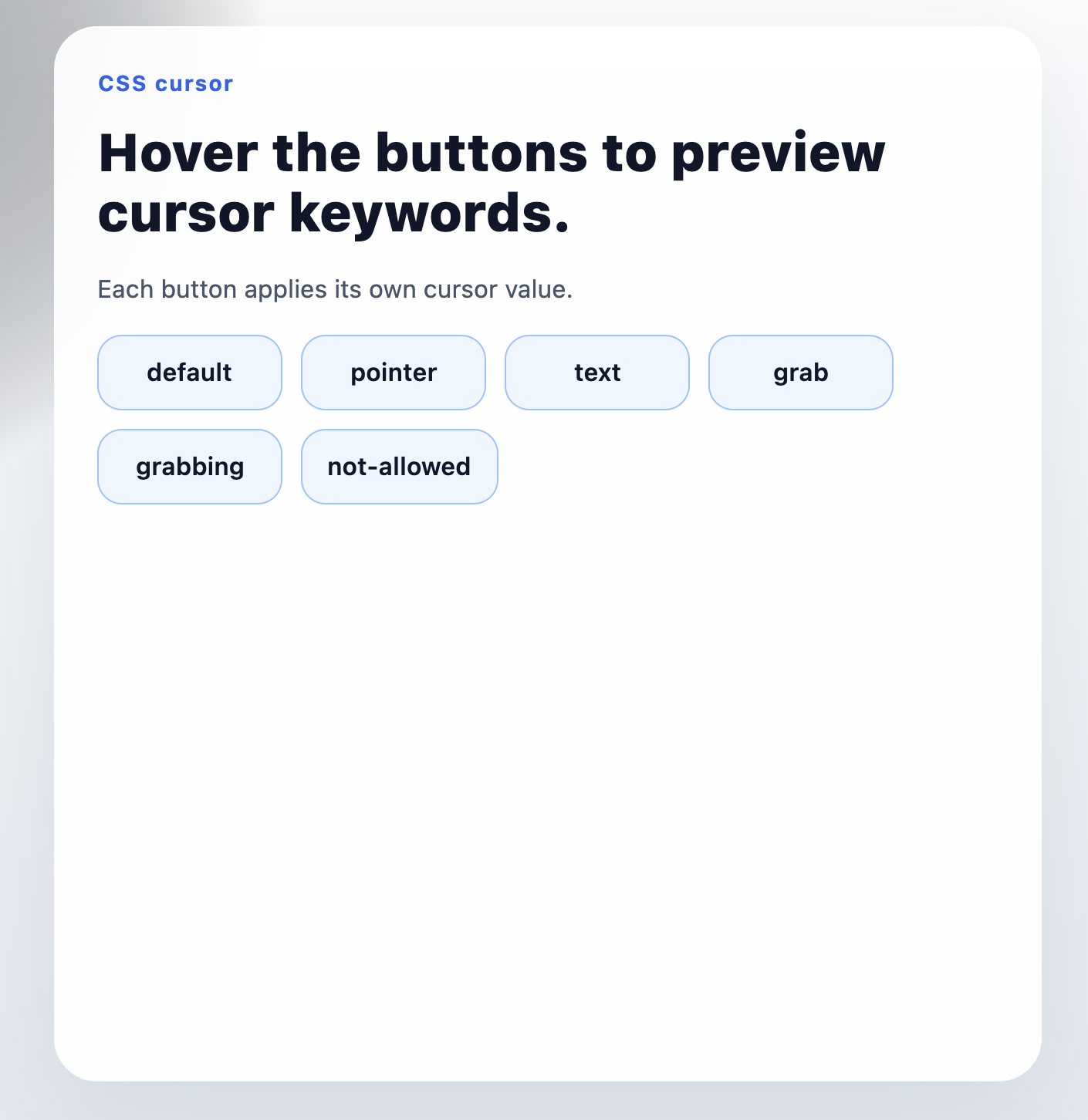
Syntax
Values
Lynx currently supports keyword values only, such as pointer, text, grab, and other standard cursor keywords.
Lynx Mini App Syntax
You can declare cursor the same way as other CSS properties.
If your compiler pipeline does not apply cursor as expected, prefer declaring it in a stylesheet selector or class.
React Syntax
Formal Definition
| Initial value | auto |
| Applies to | all elements |
| Inherited | yes |
| Animatable | no |
Formal Syntax
Differences from Web
- Only keyword values are supported.
- URL-based cursors, local image cursors, and custom hotspot positions are not supported.
Notes
- To allow
cursorto inherit in Lynx, enable CSS inheritance in your front-end configuration. - You can also explicitly add
cursortocustomCSSInheritanceList. - See
enableCSSInheritanceandcustomCSSInheritanceListfor more details.
Compatibility
LCD tables only load in the browser