

-x-auto-font-size
Introduction
The -x-auto-font-size property sets whether to enable text adaptive font size adjustment, minimum text font size, maximum text font size, and font size adjustment granularity value. All parameters except the first one are optional.
Examples
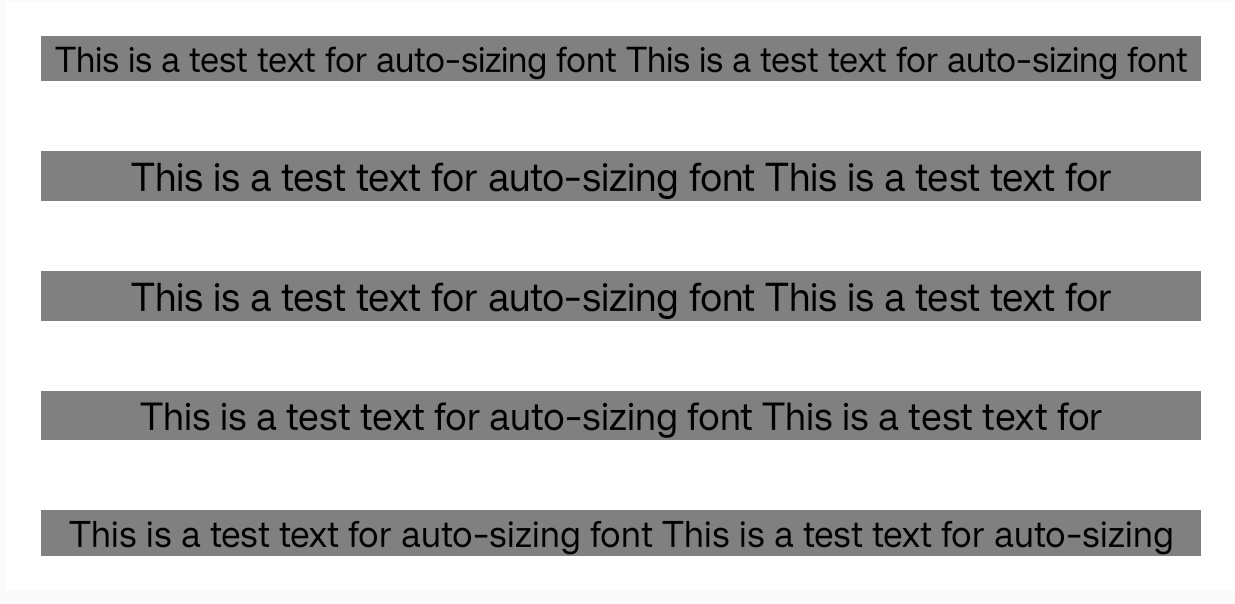
Syntax
Values
-
First parameter indicates whether to enable text adaptive font size adjustment, 'true' to enable, 'false' to disable
-
Second parameter specifies the minimum text font size, value is
<length>, this parameter is optional -
Third parameter specifies the maximum text font size, value is
<length>, this parameter is optional when the first two parameters exist -
Fourth parameter specifies the font size adjustment granularity value, value is
<length>, this parameter is optional when the first three parameters exist, default value is 1px
Formal definition
| Initial value | false |
| Applies to | text |
| Inherited | no |
| Animatable | no |
Formal syntax
Differences from Web
- This is a Lynx-specific property.
Compatibility
LCD tables only load in the browser