

<refresh> XElement
<refresh> element provides a pull-to-refresh gesture that reveals a customizable header view while new data is being fetched.
It fires the refresh event when the user pulls down past a configurable threshold, allowing you to trigger asynchronous updates and automatically hide the header once the operation completes.
Usage
<refresh>only supports vertical pull-to-refresh gestures.- It accepts up to two direct children:
<refresh-header>and<view>has vertically scrollable inside.
Pull to refresh
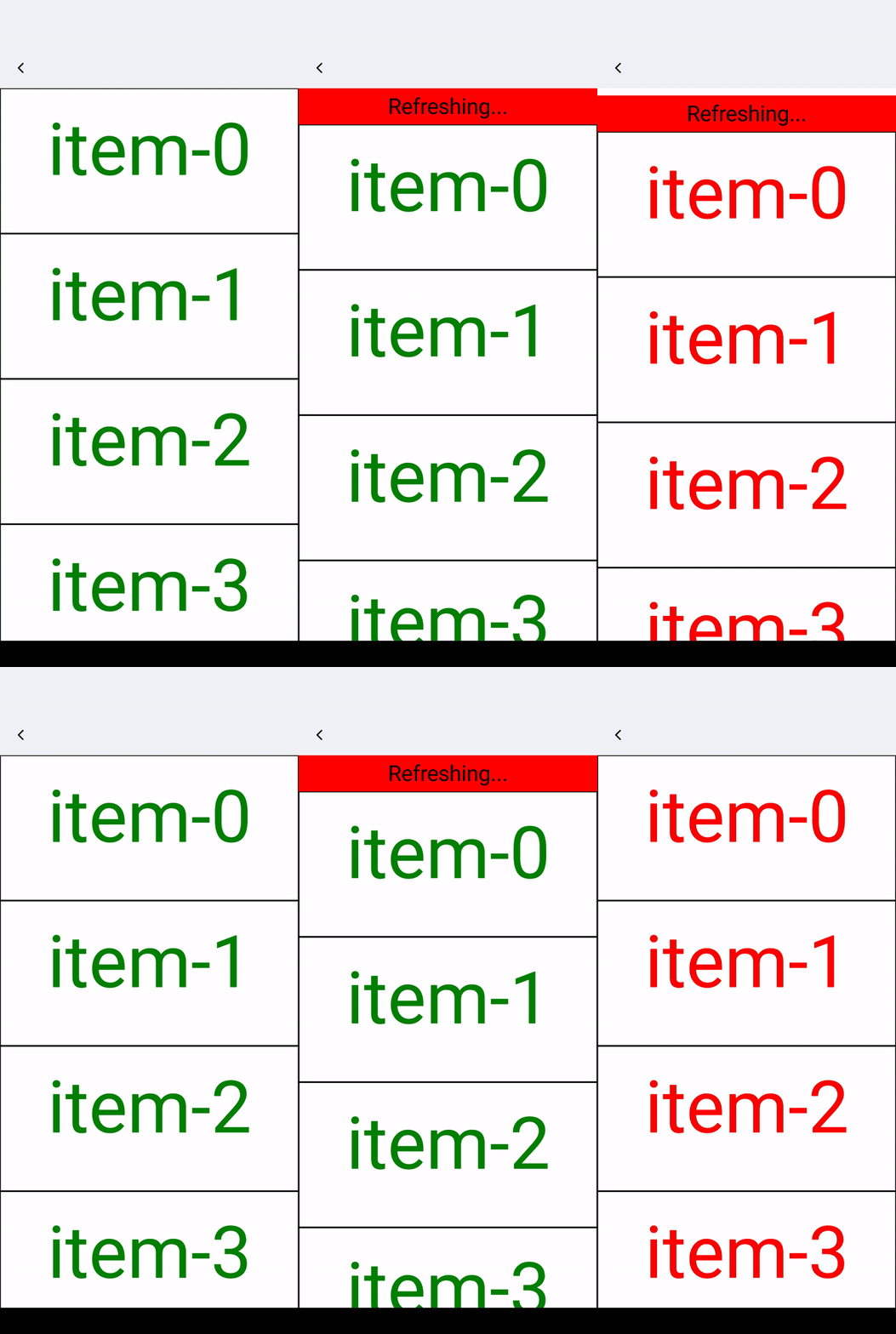
Define the refresh effect through <refresh-header>, and set enable-refresh to true for <refresh>.
-
Pull to refresh: Drag down or call
autoStartRefreshto lock the<refresh-header>at the top and fire thestartrefreshevent. -
Finish loading: Call
finishRefreshto animate the<refresh-header>out of view.
Attributes
enable-refresh
Android
iOS
Harmony
Determines if dragging down or calling autoStartRefresh can trigger the startrefresh event.
Events
Frontend can bind corresponding event callbacks to listen for runtime behaviors of the element, as shown below.
bindheaderoffset
Android
iOS
Harmony
Triggered during movement when
<refresh-header>
is exposed.
bindrefreshstatechange
Android
iOS
Harmony
Triggered when
<refresh-header>
state changes.
bindstartrefresh
Android
iOS
Harmony
Triggered when enable-refresh is true, and dragging down or calling autoStartRefresh (enters refresh state).
Methods
Frontend can invoke component methods via the SelectorQuery API.
autoStartRefresh
Android
iOS
Harmony
When enable-refresh is true, call this method to expose the entire
<refresh-header>
, triggering the startrefresh event, after which
<refresh-header>
will attach to the top edge of the refresh's viewport.
finishRefresh
Android
iOS
Harmony
Called after the startrefresh event to end the refresh state, making
<refresh-header>
rebound.
Compatibility
LCD tables only load in the browser