

<frame>
A page element similar to HTML's <iframe>, which can embed a Lynx page into the current page.
Usage Guide
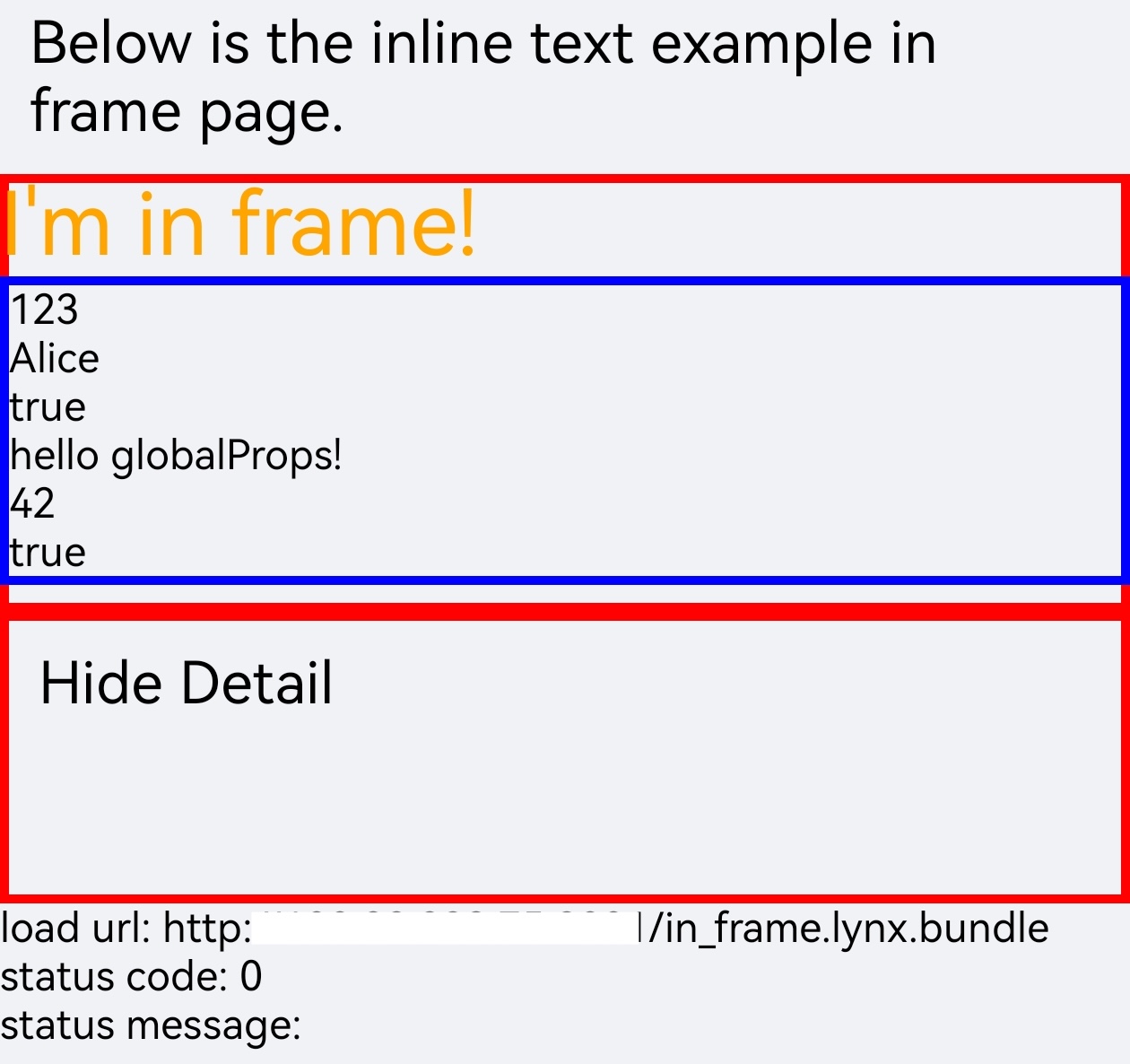
The following is an example of a main page loading an embedded page via the <frame> element.
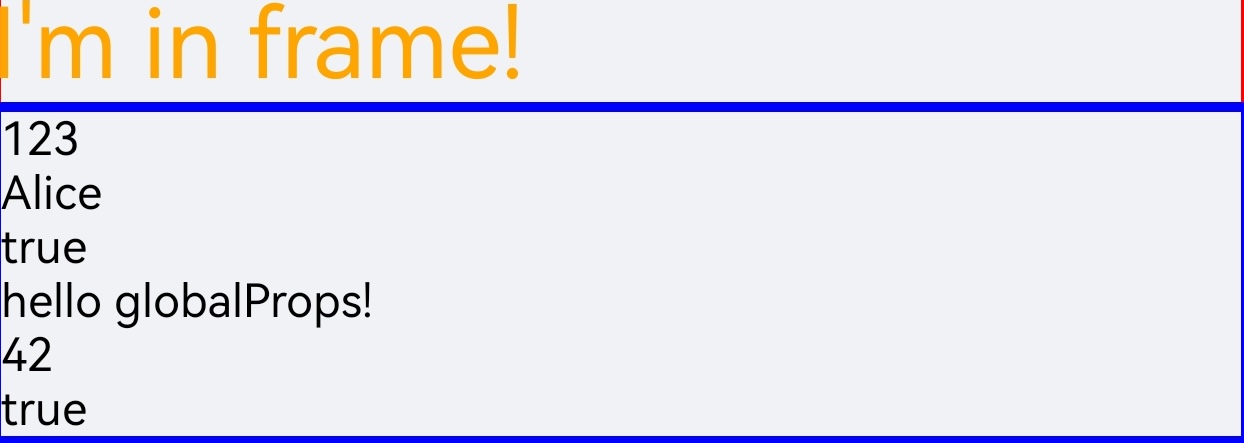
- The main page passes
initDataandglobalPropsto the embedded page through thedataandglobal-propsattributes. - The main page listens for the embedded page loading status via the
bindloadevent, and can usebindloadmetricsto receive loading metrics.
Main Page
Embedded Page
The <frame> element was introduced in 3.4. To use this element, the Lynx dependency version must be upgraded to 3.4 or higher.
Starting from 3.8, auto-width and auto-height can make <frame> follow the embedded page's content size. If automatic sizing is disabled, or if you are using an earlier version, you still need to manually set the frame width and height. Before the first content size is initialized, 3.9 and later can use preset-width and preset-height to set the preset size.
Attributes
auto-height
Android
iOS
3.8
Lets the frame height follow the embedded Lynx page’s content height. When enabled, the embedded page can report its content size, and the frame uses that value as its measured height.
auto-width
Android
iOS
3.8
Lets the frame width follow the embedded Lynx page’s content width. When enabled, the embedded page can report its content size, and the frame uses that value as its measured width.
data
Android
iOS
3.4
Passes data to the nested Lynx page within the frame.
enable-multi-async-thread
Android
iOS
3.9
Overrides whether the embedded Lynx page uses multiple asynchronous threads. When omitted, the frame inherits the host setting.
global-props
Android
iOS
3.6
Passes
globalProps
to the Lynx page embedded in the frame. The embedded page can read it via
lynx.__globalProps
.
preset-height
Android
iOS
3.9
Sets the preset height used before the embedded Lynx page receives an initialized content rect.
preset-width
Android
iOS
3.9
Sets the preset width used before the embedded Lynx page receives an initialized content rect.
src
Android
iOS
3.4
Sets the loading path for the frame resource.
Events
Frontend can bind corresponding event callbacks to listen for runtime behaviors of the element, as shown below.
bindload
Android
iOS
3.6
Bind frame load event callback.
bindloadmetrics
Android
iOS
3.9
Bind frame load metrics event callback.
Compatibility
LCD tables only load in the browser