For AI agents: the complete documentation index is available at /next/llms.txt, the full documentation bundle is available at /next/llms-full.txt, and this page is available as Markdown at /next/api/css/properties/border-top-width.md.
Lynx
  • English
  • border-top-width

    Introduction

    The border-top-width CSS property sets the width of the left border of an element.

    Examples
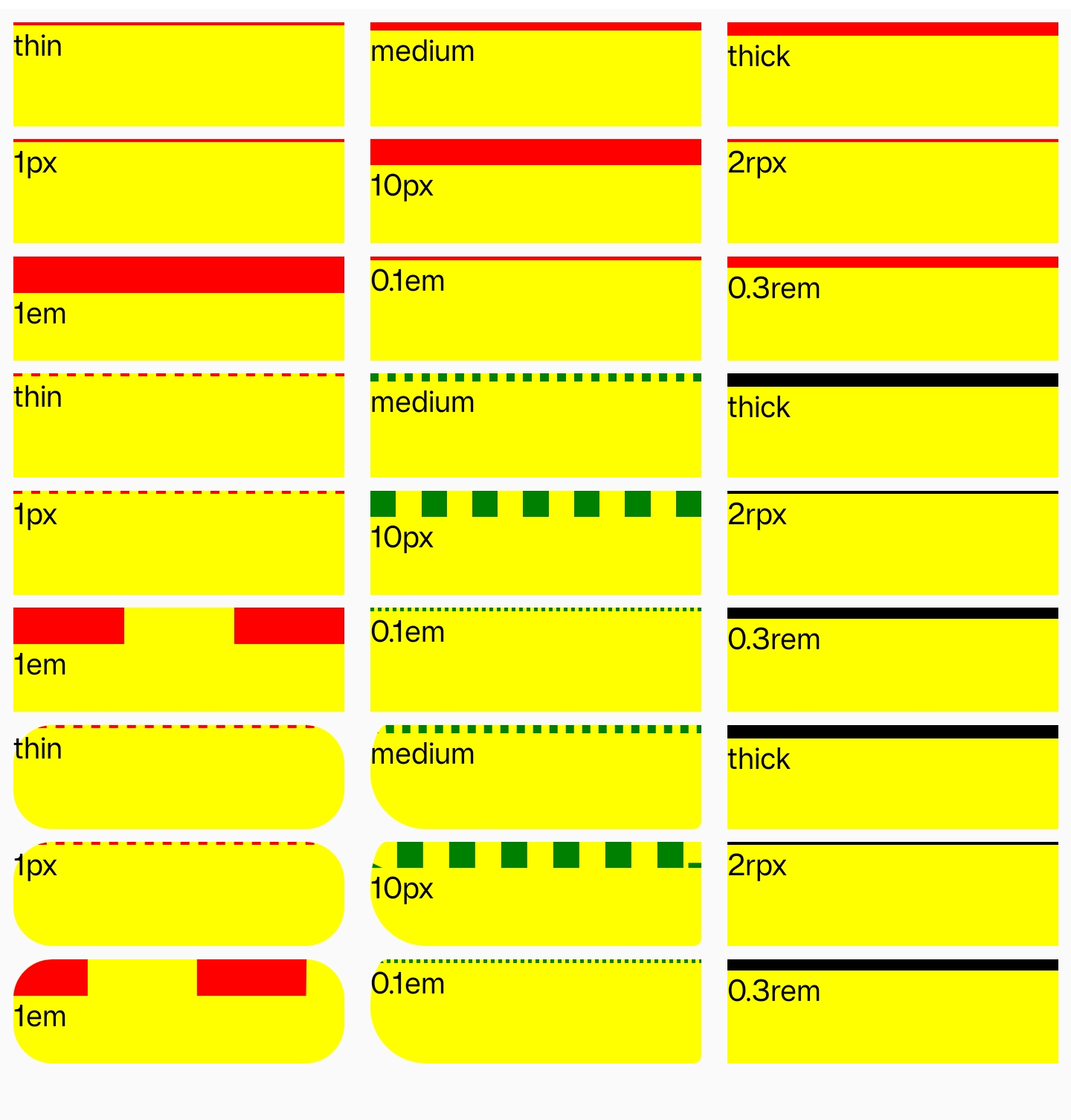
    Syntax

    /* Keyword values */
    border-top-width: thin;
    border-top-width: medium;
    border-top-width: thick;
    
    /* <length> values */
    border-top-width: 10rem;
    border-top-width: 6px;

    Values

    <line-width>

    Defines the width of the border, either as an explicit nonnegative <length> or a keyword. If it's a keyword, it must be one of the following values:

    • thin
    • medium
    • thick

    Formal definition

    Initial value0
    Applies toall elements
    Inheritedno
    Animatableyes

    Formal syntax

    border-top-width =
      <line-width>
    
    <line-width> =
      <length [0,∞]>  |
      thin            |
      medium          |
      thick

    Difference from Web

    Global values are not supported (inherit, initial, revert, unset, etc).

    Default value is 0, different to 'medium' in Web.

    Compatibility

    LCD tables only load in the browser

    Except as otherwise noted, this work is licensed under a Creative Commons Attribution 4.0 International License, and code samples are licensed under the Apache License 2.0.