

<blur-view> XElement
<blur-view> is an element that provides a backdrop blur effect, similar to backdrop-filter: blur.
It is suitable for scenarios where you need to blur the background content. If you only need to blur the element itself, you don't need to use <blur-view>; simply use filter: blur instead.
Usage
Basic
Use android-capture-target to specify the background element to be blurred on Android.
Note that flatten={false} must be set on the target element.
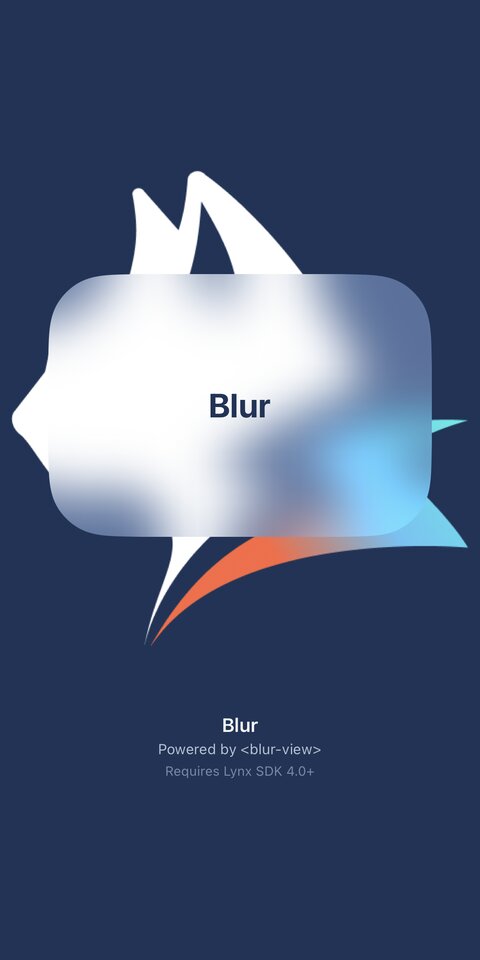
Liquid Glass For iOS
Attributes
android-capture-target
Android
3.9
The raw id of the Android Lynx view to capture and blur.
Only the overlap with the
<blur-view>
is used as the blur source.
When omitted or unresolved, Android uses the default parent capture path.
blur-effect
iOS
It mainly affects the brightness of the blurred area: light: the brightness is basically the same as the background; dark: the brightness is darker than the background; extra-light: the brightness is brighter than the background; glass: a visual effect that renders a glass material; glass-container: a UIGlassContainerEffect renders multiple glass elements into a combined effect.
blur-radius
Android
iOS
Harmony
Gaussian blur radius.
blur-sampling
Android
The downsampling ratio of the blurred area is similar to reducing the blur of the background area first and then zooming in, which slightly affects the blur effect, but can significantly improve performance.
enable-auto-blur
Android
Whether to automatically update blur.
experimental-update-blur-radius
Android
3.4
Switches the Android internal blur-buffer refresh path.
glass-interactive
iOS
3.8
Enables interactive behavior for the glass effect.
glass-style
iOS
3.8
The style of the glass effect.
glass-tint-color
iOS
3.8
A tint color applied to the glass effect.
spacing
iOS
The spacing specifies the distance between elements at which they begin to merge.
Compatibility
LCD tables only load in the browser