

flex-grow
Introduction
The flex-grow CSS property sets the flex grow factor, which specifies how much of the flex container's remaining space should be assigned to the flex item's main size.
When the flex-container's main size is larger than the combined main sizes of the flex items, the extra space is distributed among the flex items, with each item growth being their growth factor value as a proportion of the sum total of all the container's items' flex grow factors.
The main size is either width or height of the item which is dependent on the flex-direction value.
flex-grow is used alongside the other flex properties flex-shrink and flex-basis, and normally defined using the flex shorthand to ensure all values are set.
Examples
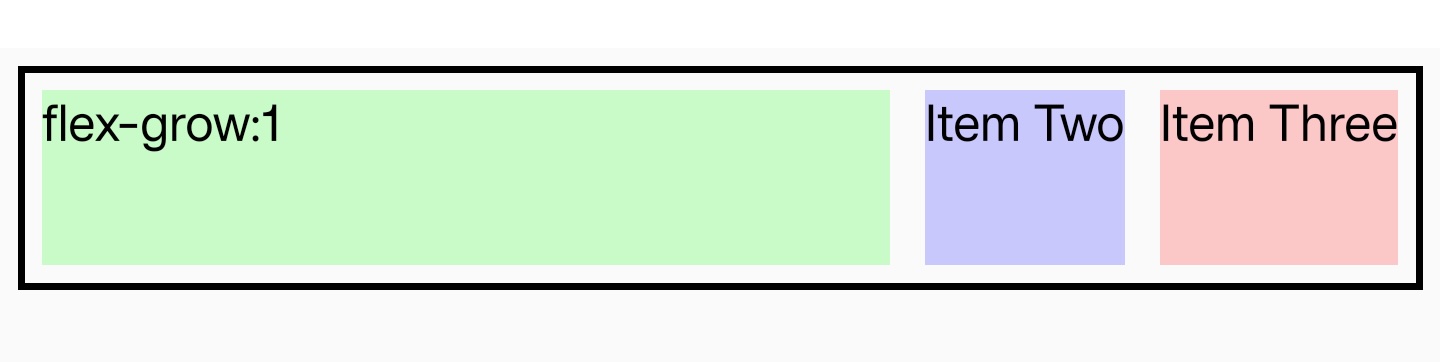
Syntax
Values
-
Negative values are invalid, Defaults to
0。
Formal definition
| Initial value | 0 |
| Applies to | flex items |
| Inherited | no |
| Animatable | yes |
Formal syntax
Compatibility
LCD tables only load in the browser