

min-width
Introduction
To specify min width of a view. It prevents the applied value of width becoming larger than the specified value of min-width.
The priority of min-width is higher than width but lower than max-width.
Examples
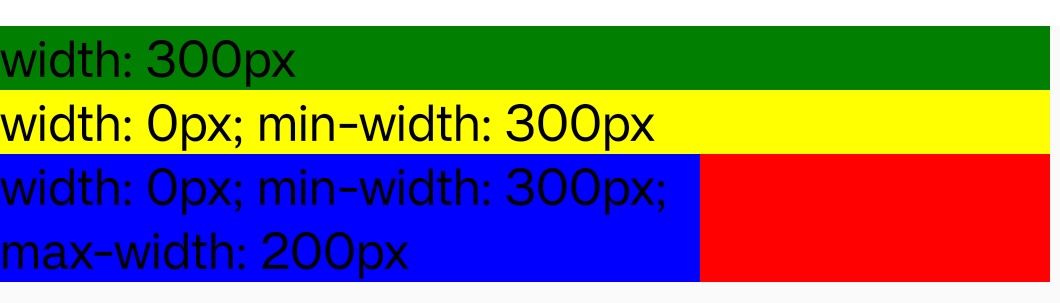
Syntax
Values
<length>
<length> defines the min-width as an absolute value. Default to 0px.
<percentage>
Defines the min-width as a percentage of the containing block's width.
Formal definition
| Initial value | 0px |
| Applies to | all elements |
| Inherited | no |
| Animatable | yes |
| Percentages | refer to the width of the containing block |
Formal syntax
Difference with the Web
- In Lynx, the priority of
max-widthis higher thanwidthandmin-width. While in Web,max-widthoverrideswidth, butmin-widthoverridesmax-width. - If
max-widthis specified smaller thanmin-width,min-widthwill be ignored. autois not supported, default value is0px.max-content,min-content,fit-content,min-contentare not supported.
Compatibility
LCD tables only load in the browser