

border-width
Introduction
A shorthand property for setting the width of all four borders of an element. It corresponds to border-top-width, border-right-width, border-bottom-width, and border-left-width.
Usage Examples
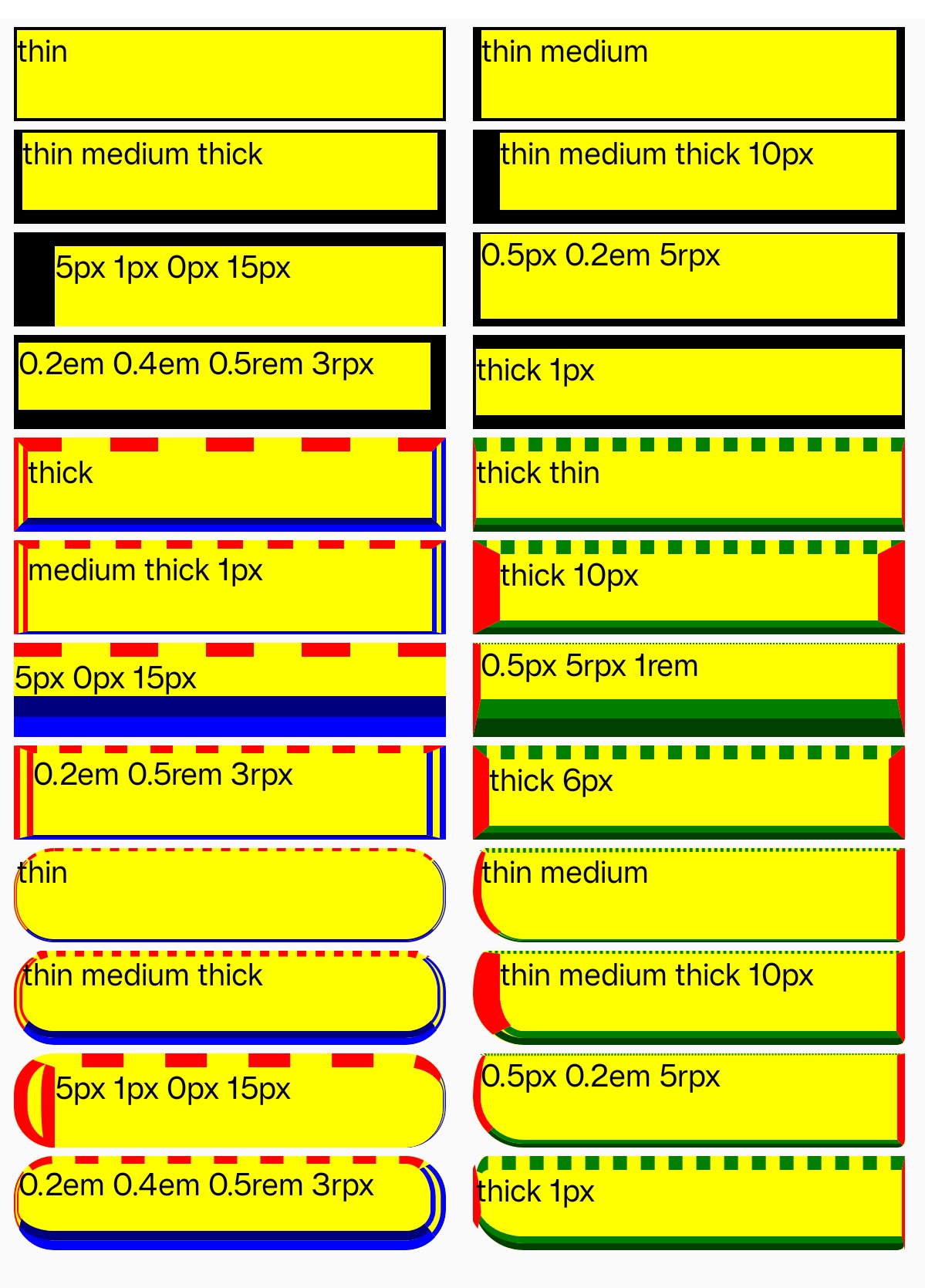
Syntax
Values
- thin | medium | thick |
<length> - Supports 1-4 value syntax (top → right → bottom → left).
Formal Definition
| Initial value | 0 |
| Applies to | All elements |
| Inherited | no |
| Animatable | yes |
Formal Syntax
Differences from the Web
- MDN Reference
- Default value is different (Web default is
medium). - Does not support global values.
Compatibility
LCD tables only load in the browser