

Media Query
Lynx implements a subset of CSS Media Queries Level 4. Use @media rules to apply styles according to the viewport and other runtime environment values.
Enable CSS Rule Encoding
Media query rules require CSS Rule encoding. Add pluginLynxConfig to the existing plugins array in lynx.config.mjs:
enableCSSRule requires Lynx SDK 4.0 or later. Without it, @media rules are not encoded into the template and do not take effect at runtime.
Example
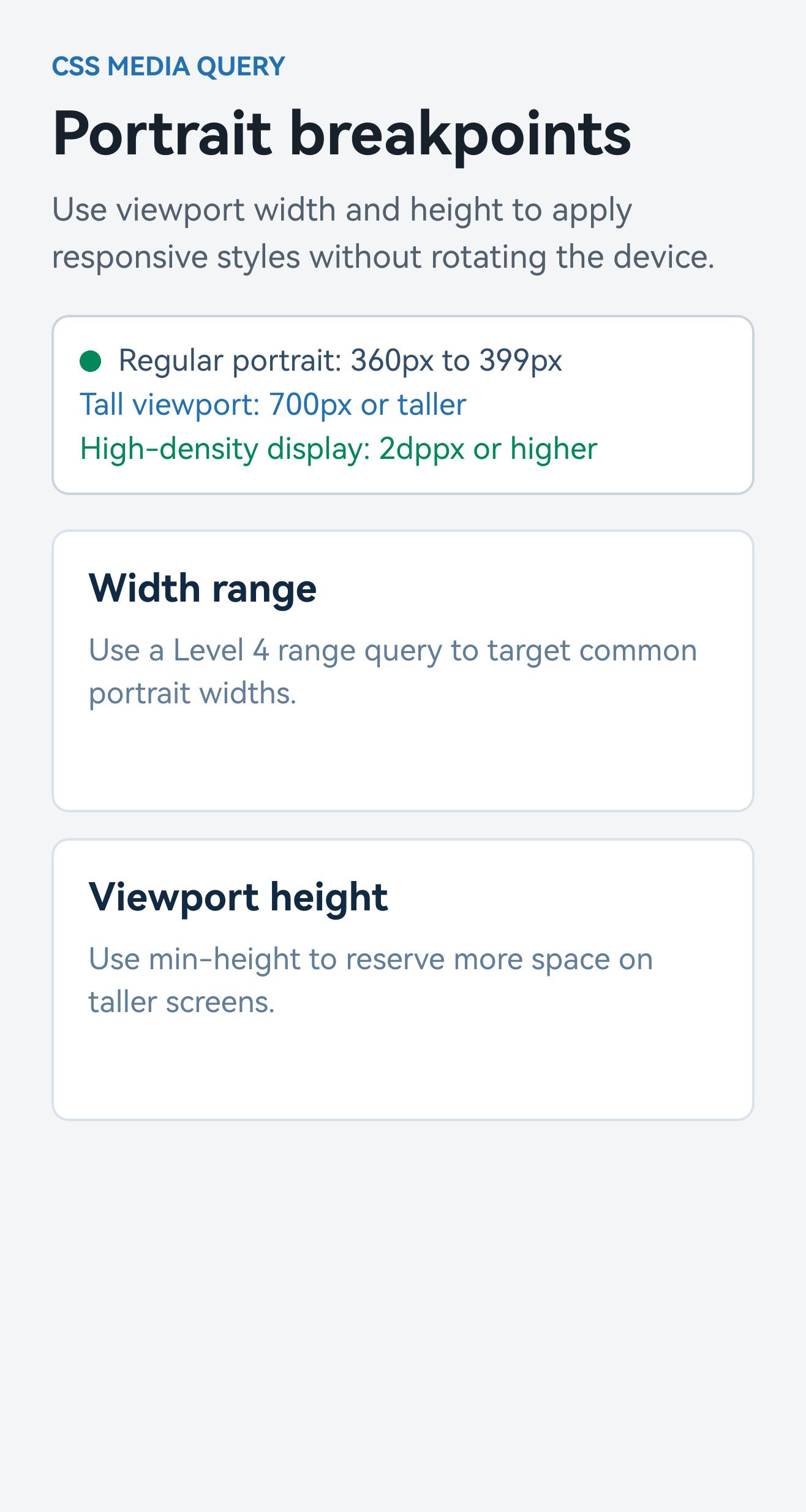
This example evaluates media queries for portrait viewport width, height, and pixel density.
Syntax Support
Media Types
Logical Modifiers and Operators
Lynx supports not, only, comma-separated query lists (OR semantics), and and, or, and not media conditions. As in the CSS grammar, do not mix and and or at the same level without nesting a condition in parentheses.
Range syntax uses the unprefixed feature name, such as width rather than min-width.
Supported Media Features
Viewport Dimensions
The boolean form (width) matches when the viewport width is greater than zero.
Aspect Ratio
Values can be ratios such as 16/9, or plain numbers interpreted as N/1.
Resolution and Pixel Density
resolution accepts dppx, x, dpi, and dpcm. x is an alias for dppx.
Orientation
A square viewport is considered portrait.
Interaction Capabilities
The host does not provide hover or pointer environment values. Related queries without a not modifier do not match.
User Preferences
The host can update the system color scheme through UpdateColorScheme. The default value is light.
Color Depth
The host does not provide actual color-depth data. The runtime evaluates color depth as 8 bits per color component.
Supported Value Units
Length Units
Resolution Units
Key Differences from Web
device-* Dimensions Use the Viewport
Unlike the Web, Lynx does not expose a physical-device size through media queries. device-width, device-height, and device-aspect-ratio use the same viewport values as width, height, and aspect-ratio.
Unsupported Features Fail Closed
Media features not listed on this page are unrecognized and evaluate to false.
The Media Type Is Always screen
Lynx has a screen rendering context only:
@media print { ... }never applies.@media not print { ... }always applies.@media screen { ... }is equivalent to@media all { ... }.
Invalid Query Lists Use not all
When an entire media query list is invalid, Lynx replaces it with not all, so it never matches. In a comma-separated list, invalid entries are discarded while valid entries continue to participate in OR matching.
Compatibility
LCD tables only load in the browser