

border-top
Introduction
The border-top shorthand CSS property sets all the properties of an element's right border.
Examples
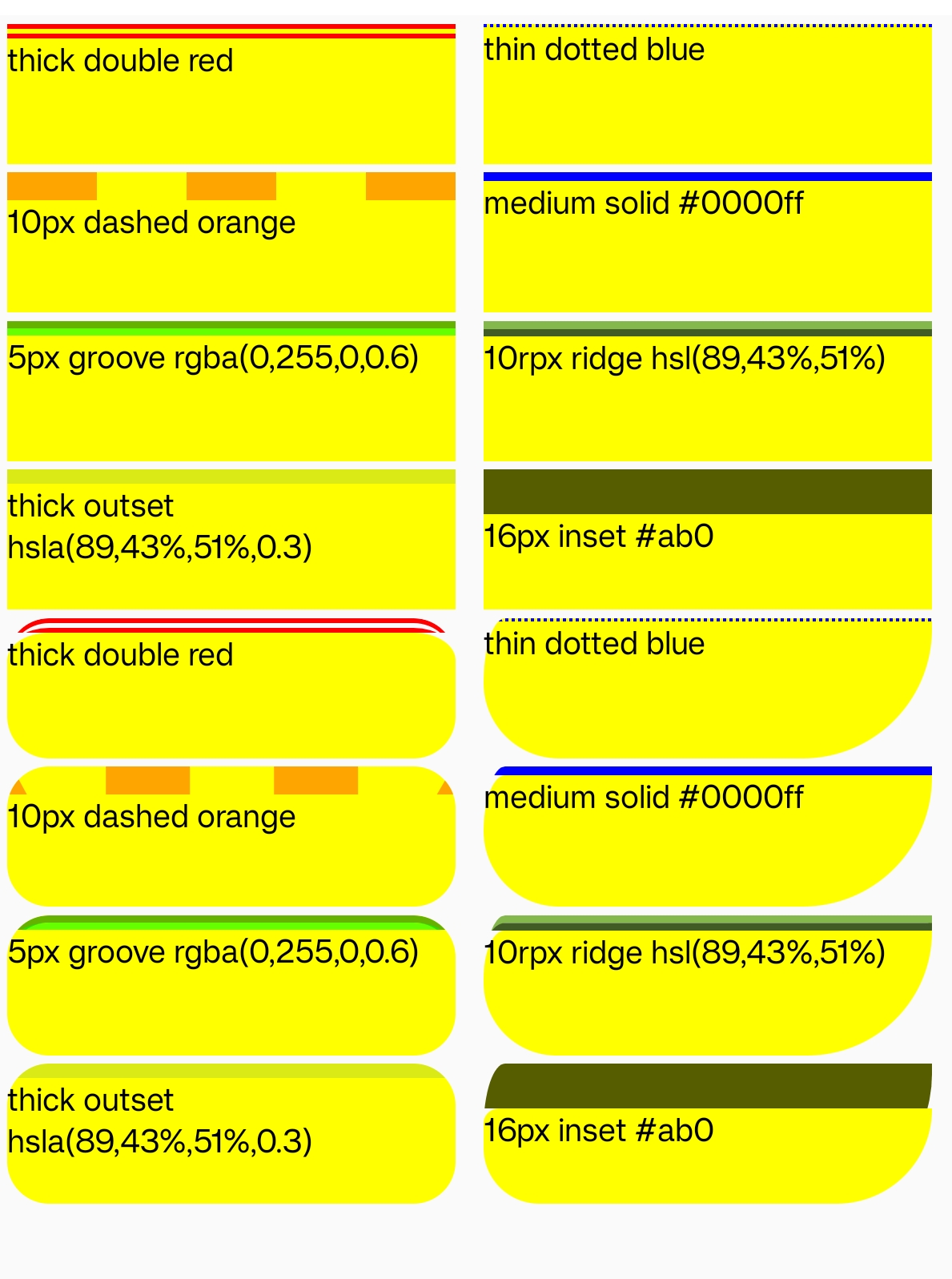
Syntax
It is actually the same as this one:
Values
This property is a shorthand for the following CSS properties:
-
border-top-widthwidth of the border -
border-top-stylestyle of the border -
border-top-colorcolor of the border
As with all shorthand properties, border-top always sets the values of all the properties that it can set, even if they are not specified. It sets those that are not specified to their default values. Consider the following code:
Formal definition
| Initial value | 0 |
| Applies to | all elements |
| Inherited | no |
| Animatable | no |
Formal Syntax
Difference from Web
Global values are not supported. (inherit, initial, revert, unset, etc)
Default style value is solid.
Compatibility
LCD tables only load in the browser