

Handle Errors in Lynx
Recognize Errors in Tools
When you are developing Lynx apps, you may encounter various types of errors that are designed to notify you the unexpected situations that have just happened.
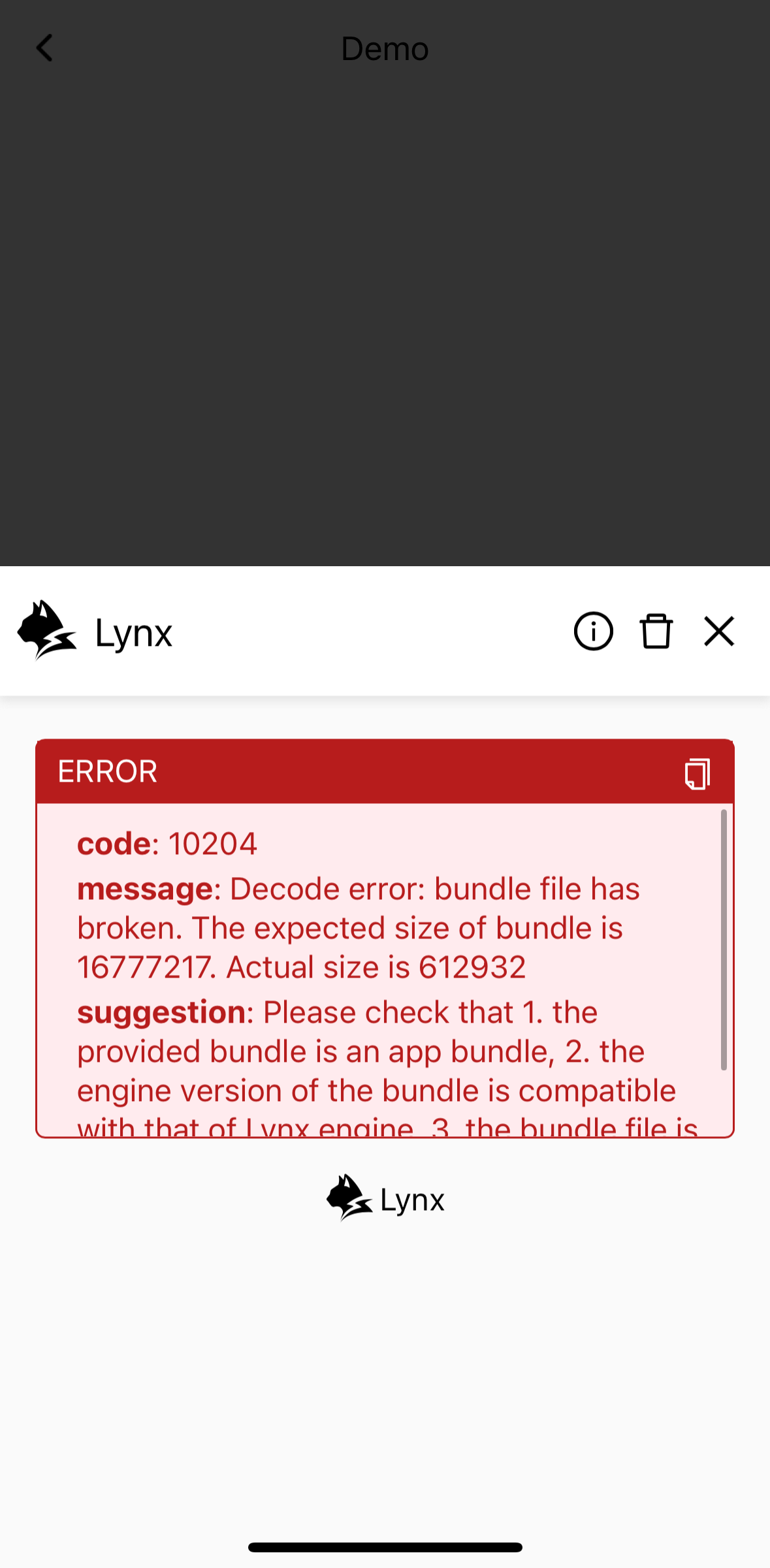
For example, if the bundle file is broken, you'll see:
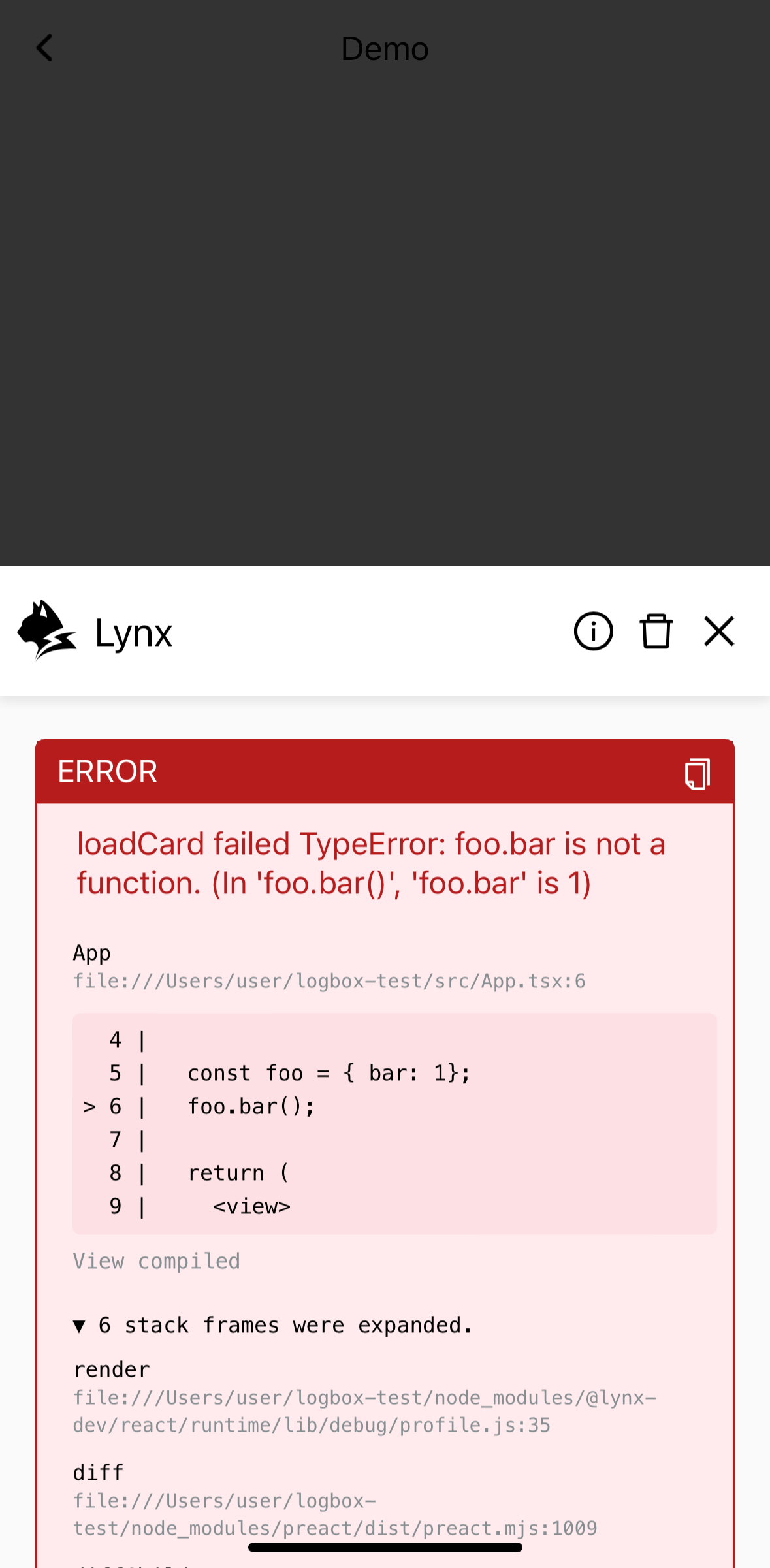
Also, sometimes when your JavaScript code contains an TypeError:
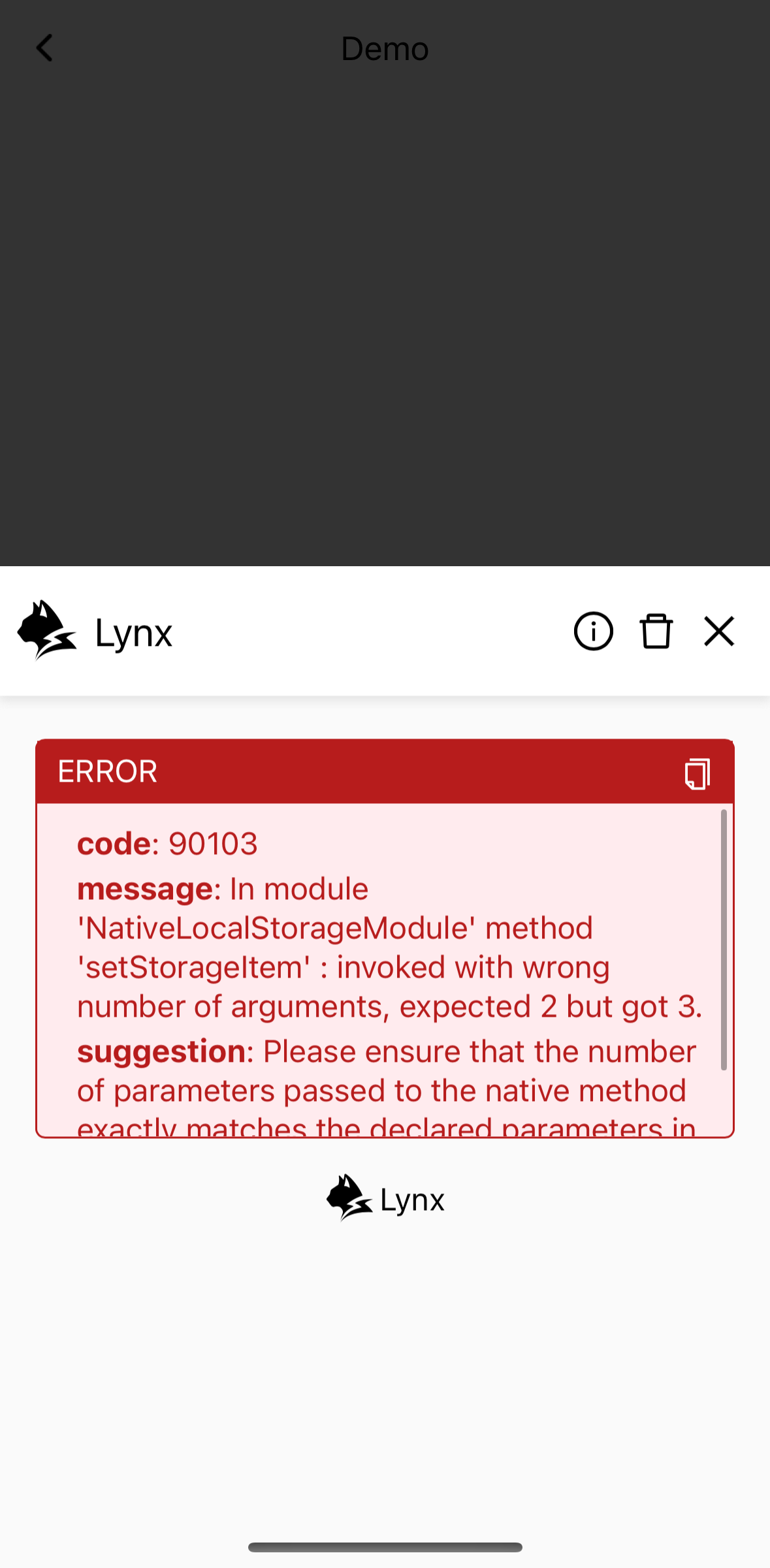
Sometimes, a native module is called with a wrong number of arguments:
With DevTool or LogBox, you shall easily recognize them.
LogBox
You've already seen it above - the in-app tool that displays errors.

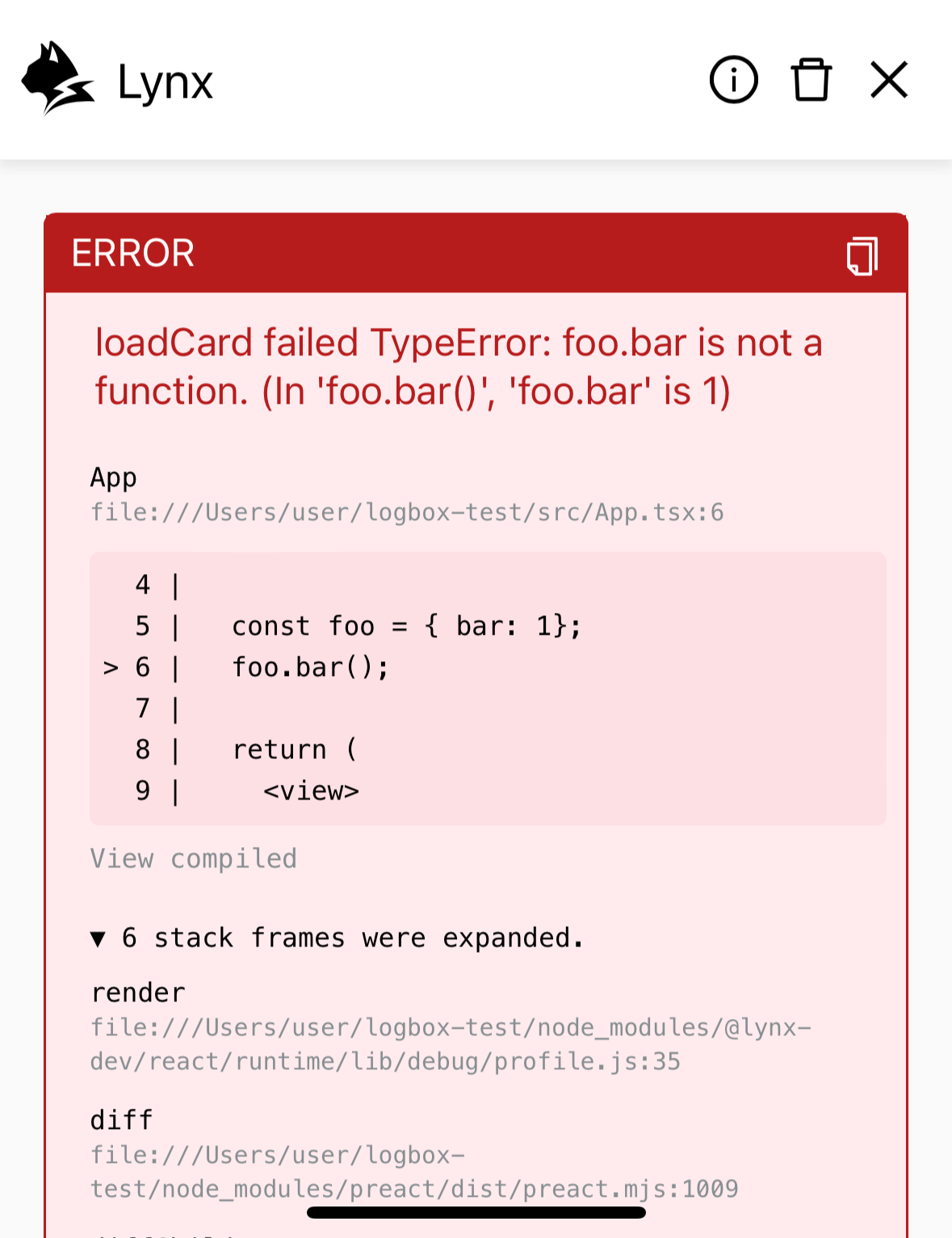
It's convenient for a quick overview and lets you know what's happening. However, for development purposes, we recommend using DevTool Desktop Application with more features and a better interactive experience.
Handle Errors in Code
Now let's try to do something with the errors.
You may want to have an overall understanding of the errors first if you want to handle them in your code.
And then, here is an example of handling error 301 in code:
In order for developers to quickly categorize an error and figure out how to deal with it, we have summed up all of them and made a list, including the error code, description, level, fix suggestion, etc.
Just help yourself!
ReactLynx diagnostic logs
When a problem only reproduces on a device you cannot attach DevTool to, ReactLynx can write a running account of what the framework is doing to the platform's native log. You turn it on at build time with an environment variable, then read it with the platform's own tooling — adb logcat on Android, the Xcode console on iOS.
Both switches below are off by default, and neither is meant to ship. The output is verbose enough to affect what you are measuring, so use these builds for diagnosis only.
REACT_ALOG=true makes ReactLynx report its own state transitions, on both the main thread and the background thread, each line prefixed with [ReactLynxDebug]:
You get the OnLifecycleEvent payloads the main thread sends to the background thread, the snapshot instance trees on both threads before and after hydration, the events the background thread receives, list updates, and the patches applied back to the main thread. Reach for this when the UI settles into a state you cannot account for — a component that never hydrates, an event that never arrives, a list that renders the wrong item. See Rendering Process and Lifecycle for what each stage is supposed to produce.
REACT_ALOG_ELEMENT_API=true is one level lower. It logs every Element PAPI call the framework makes on the main thread — the create, append and update operations that build the element tree — with elements rendered as tag#uniqueId so you can follow one element across calls:
It is far noisier than REACT_ALOG — a single screen produces thousands of lines — so turn it on only once you know which interaction to look at.
REACT_ALOG_ELEMENT_API became a separate switch in @lynx-js/react-rsbuild-plugin@0.12.10 (which ships @lynx-js/react-webpack-plugin@0.7.4). Before that, these calls were logged as part of REACT_ALOG.
Compatibility
LCD tables only load in the browser