For AI agents: the complete documentation index is available at /next/zh/llms.txt, the full documentation bundle is available at /next/zh/llms-full.txt, and this page is available as Markdown at /next/zh/api/elements/built-in/viewpager.md.
Lynx
  • 简体中文
  • <viewpager> XElement

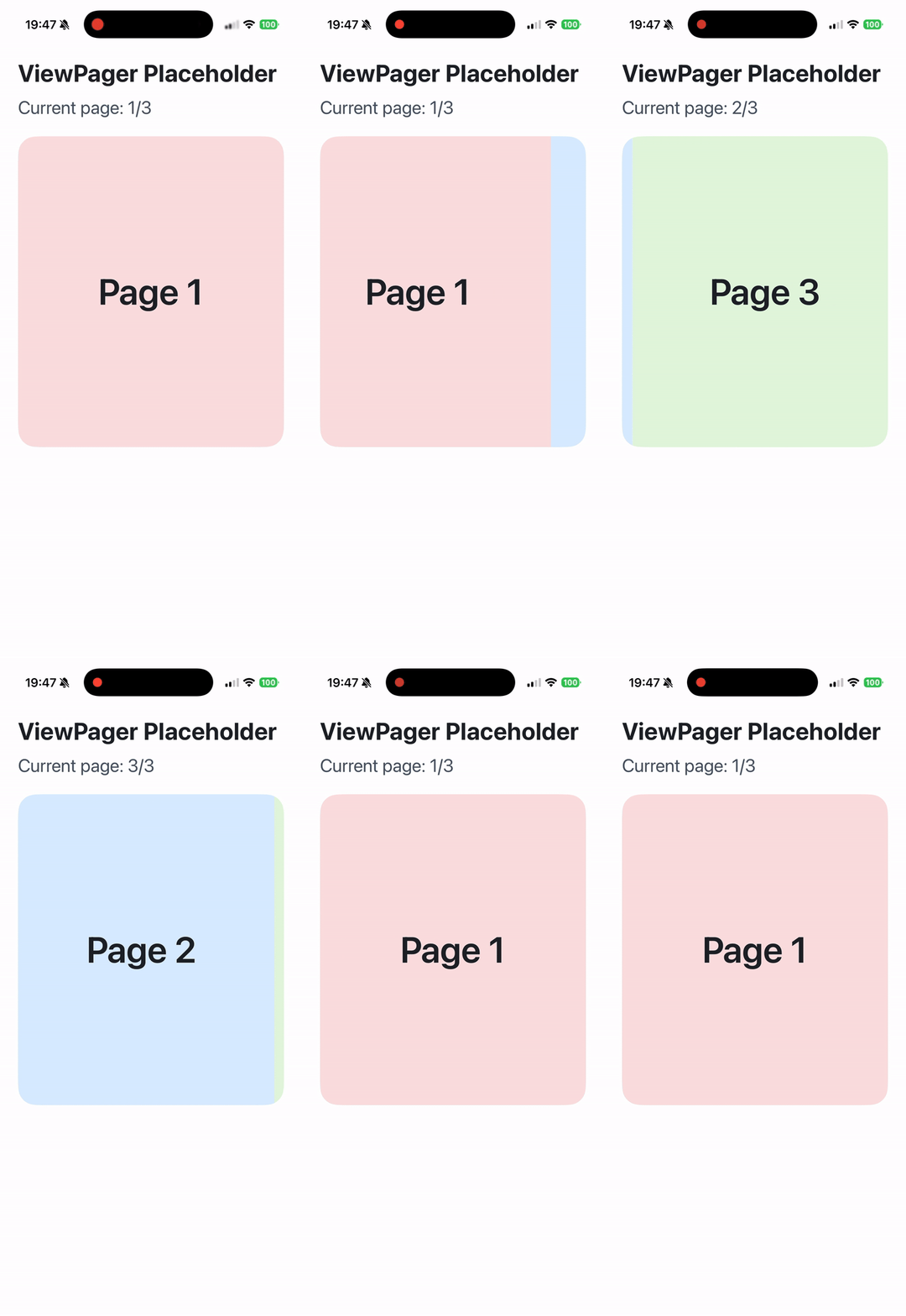
    <viewpager> 是一个横滑翻页组件,常用于构建带多标签的分页场景。

    使用指南

    前端通过 <viewpager><viewpager-item> 可以实现横向分页的效果。

    推荐用法

    • 显式定义<viewpager>的宽度:width: 100%;
    • 显式声明<viewpager>的布局方向:display:flex; flex-direction: row;
    • 显示约束 <viewpager-item>的尺寸与收缩行为:width: 100%; flex-shrink: 0;
    • <viewpager>的子节点只能是<viewpager-item>

    属性

    android-always-overscroll

    Android
    // @默认值: false
    'android-always-overscroll'?: boolean;

    在 Android 系统中,此属性用于控制滚动到边缘时的交互行为。将其设置为 true 可启用默认的回弹效果,设置为 false 则禁用回弹效果。默认值为 false。

    android-force-can-scroll

    Android
    3.0
    // @默认值: false
    'android-force-can-scroll'?: boolean;

    在 Android 系统中,此属性用于控制当处于 ViewPager 起始/结束位置且设置为 true 时,手势不会传递给父容器。

    bounces

    iOS
    Desktop
    Harmony
    // @默认值: true
    bounces?: boolean;

    是否需要弹簧效果。请注意,此效果在 Android 系统上不可用。在 PC 上,仅 macOS 支持此功能。

    enable-scroll

    Android
    iOS
    Desktop
    Harmony
    2.17
    // @默认值: true
    'enable-scroll'?: boolean;

    启用水平滚动手势

    initial-select-index

    Android
    iOS
    Desktop
    Harmony
    2.17
    // @默认值: 0
    'initial-select-index'?: number;

    在初始化时选择指定页面,具体指首次有子项时。

    ios-gesture-direction

    iOS
    // @默认值: false
    'ios-gesture-direction'?: boolean;

    启用后,当滑动到头部或尾部时,可响应外部容器(水平 UIScrollView)的水平滑动事件。

    ios-gesture-offset

    iOS
    // @默认值: 0
    'ios-gesture-offset'?: number;

    当手指在距离屏幕左边缘 [0, 值] 范围内触摸时,不响应水平滑动手势,但可直接响应 iOS 右滑返回手势。不过,此功能不适用于 Android。

    ios-recognized-gesture-class

    iOS
    'ios-recognized-gesture-class'?: string;

    UIGestureRecognizer 的类名,用于识别可能与 ViewPager 同时识别的 UIGestureRecognizer。此属性旨在让 UIPanGesture 与 ViewPager 协同工作。

    ios-recognized-view-tag

    iOS
    // @默认值: 0
    'ios-recognized-view-tag'?: number;

    UIView 的标签,用于识别由 ios-recognized-gesture-class 识别的 UIGestureRecognizer 对应的 UIView。此属性旨在让 UIPanGesture 与 ViewPager 协同工作。

    keep-item-view

    Android
    iOS
    // @默认值: false
    'keep-item-view'?: boolean;

    是否启用基于提前曝光的懒加载模式,需要与 lazyComponent 配合使用。

    事件

    前端可以绑定相应的事件回调来监听元素的运行时行为,如下所示。

    bindchange

    Android
    iOS
    Desktop
    Harmony
    bindchange = (e: ViewPagerChangeEvent) => {};
    字段类型是否可选默认值平台版本描述
    index数字
    Android
    iOS
    Desktop
    Harmony
    当前索引
    isDragged布尔值
    Android
    iOS
    Desktop
    Harmony
    2.18
    2.18此更改事件是否由用户拖动引起

    页面切换事件,只有当 UI 完全切换到下一页(从 100% 到 200%)时才会触发。

    bindoffsetchange

    Android
    iOS
    Desktop
    Harmony
    bindoffsetchange = (e: ViewPagerOffsetChangeEvent) => {};
    字段类型是否可选默认值平台版本描述
    offset数字
    Android
    iOS
    Desktop
    Harmony
    滚动偏移量

    页面切换进度回调,范围是每个页面的索引,例如,从第 0 页到第 1 页,范围是 01,从第一页到第二页,范围是 12。

    bindwillchange

    Android
    iOS
    Desktop
    Harmony
    2.17
    bindwillchange = (e: ViewPagerWillChangeEvent) => {};
    字段类型是否可选默认值平台版本描述
    index数字
    Android
    iOS
    Desktop
    Harmony
    当前索引
    isDragged布尔值
    Android
    iOS
    Desktop
    Harmony
    2.18
    2.18此更改事件是否由用户拖动引起

    页面即将切换事件。

    方法

    前端可以通过 SelectorQuery API 调用组件方法。

    selectTab

    Android
    iOS
    Desktop
    Harmony
    
    lynx.createSelectorQuery()
    .select('#id')
    .invoke({
    method: 'selectTab',
    params: {
    /**
    _ 要滚动到的索引。
    _ @Android
    _ @iOS
    _ @Harmony
    _ @PC
    _/
    index: number;
    /**
    _ 是否需要动画效果。默认设置为 true。
    _ @Android
    _ @iOS
    _ @Harmony
    _ @PC
    _/
    smooth: boolean;
    };
    success: function (res) {},
    fail: function (res) {},
    })
    .exec();
    

    滑动到指定页面。

    兼容性

    LCD tables only load in the browser

    除非另有说明,本项目采用知识共享署名 4.0 国际许可协议进行许可,代码示例采用 Apache License 2.0 许可协议进行许可。