For AI agents: the complete documentation index is available at /next/zh/llms.txt, the full documentation bundle is available at /next/zh/llms-full.txt, and this page is available as Markdown at /next/zh/api/css/properties/mask.md.
Lynx
  • 简体中文
  • mask

    介绍

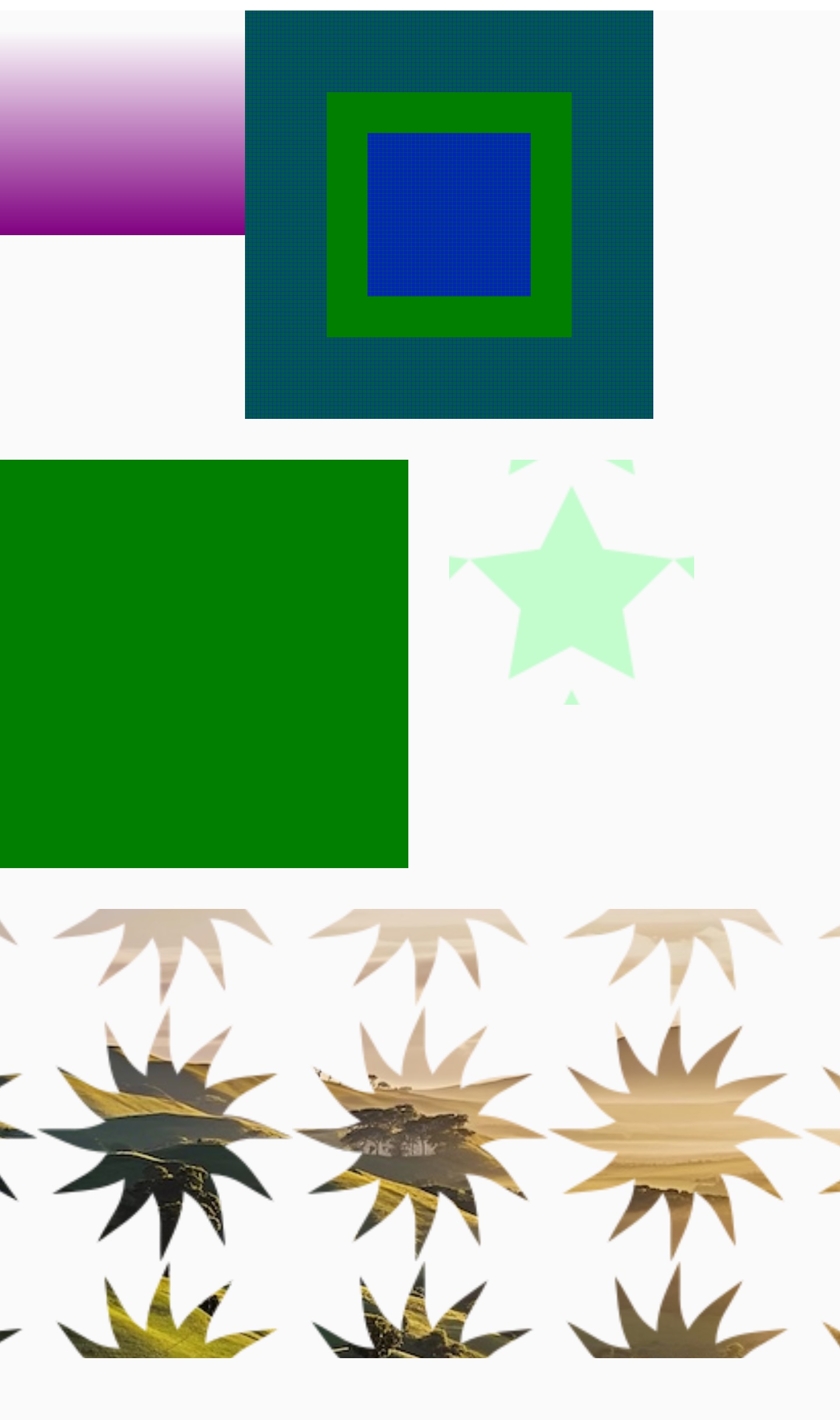
    CSS 属性 mask 允许使用者通过遮罩或者裁切特定区域的图片的方式来隐藏一个元件的部分或者全部可见区域。

    属性组成

    该属性是以下 CSS 属性的缩写:

    • mask-clip
    • mask-composite
    • mask-image
    • mask-origin
    • mask-position
    • mask-repeat
    • mask-size

    使用示例

    /* Keyword values */
    mask: none;
    
    /* Image values */
    mask: url(mask.png); /* 使用位图来做遮罩 */
    
    /* Combined values */
    mask: url(mask.png) 40px 20px; /* 使用位图来做遮罩并设定它的位置:离上边缘 40px,离左边缘 20px */
    mask: url(mask.png) 0 0/50px 50px; /* 使用位图来做遮罩并设定它的位置和大小:长宽都是 50px */
    mask: url(mask.png) repeat-x; /* 使用位图作为水平方向重复的遮罩 */
    mask: url(mask.png) border-box; /* 使用位图作为遮罩, 延伸到边框包围的区域 */
    
    /* 多个遮罩 */
    mask:
      url(masks.png) left / 16px repeat-y,
      /* 在左侧使用位图作为遮罩,宽度为16px,垂直方向重复 */ url(masks.png) right /
        16px repeat-y; /* 在右侧使用位图作为遮罩,宽度为16px,垂直方向重复 */

    取值

    <mask-reference>

    设置遮罩图片的路径. 详见 mask-image.

    <position>

    设置遮罩图片的位置。详见 mask-position.

    <bg-size>

    设置遮罩的大小。详见 mask-size.

    <repeat-style>

    设置遮罩图片的重复性。详见 mask-repeat.

    <geometry-box>

    如果只有一个 <geometry-box> 值被赋予,它将会设置 mask-originmask-clip。如果两个 <geometry-box> 值显示,第一个值代表 mask-origin,第二个值代表 mask-clip

    <geometry-box> | no-clip

    设置区域,会被遮罩图片影响。详见 mask-clip.

    形式定义

    初始值as each of the properties of the shorthand:
    • mask-image: none
    • mask-repeat: repeat
    • mask-position: center
    • mask-clip: border-box
    • mask-composite: add
    • mask-origin: border-box
    • mask-size: auto
    适用元素Views only. It may work on some other elements, but it is recommended that only use it on <view>
    是否支持继承no
    是否支持动画
    百分比as each of the properties of the shorthand:
    • mask-position: refer to size of mask painting area minus size of mask layer image (see the text for background-position)

    形式语法

    mask =
      <mask-layer>#
    
    <mask-layer> =
      <mask-reference>               ||
      <position> [ / <bg-size> ]?    ||
      <repeat-style>                 ||
      <box>                          ||
      <compositing-operator>         ||
      <masking-mode>
    
    <mask-reference> =
      none       |
      <image>
    
    <image> =
      <url()>   |
      <gradient>
    
    <url()> =
      url( <string> )
    
    <position> =
      [ left | center | right ] && [ top | center | bottom ]            |
      [ left | center | right | <length-percentage> ]
        [ top | center | bottom | <length-percentage> ]?                |
      [ [ left | right ] <length-percentage> ] &&
        [ [ top | bottom ] <length-percentage> ]
    
    <bg-size> =
      [ <length-percentage> | auto ]{1,2}  |
      cover                                |
      contain
    
    <repeat-style> =
      repeat-x                             |
      repeat-y                             |
      [ repeat | space | round | no-repeat ]{1,2}
    
    <box> =
      border-box     |
      padding-box    |
      content-box
    
    <compositing-operator> =
      add        |
      subtract   |
      intersect  |
      exclude
    
    <masking-mode> =
      alpha         |
      luminance     |
      match-source
    
    <length-percentage> =
      <length>      |
      <percentage>
    

    与 Web 的区别

    1. mask-type 不支持.
    2. mask-composite 从 Lynx 4.0 开始仅在 PC 端支持.
    3. mask-image 中不支持使用 SVG 中的元件.
    4. <box> 的取值只接受 border-box, padding-boxcontent-box.

    兼容性

    LCD tables only load in the browser

    除非另有说明,本项目采用知识共享署名 4.0 国际许可协议进行许可,代码示例采用 Apache License 2.0 许可协议进行许可。