

width
介绍
指定了一个元件的宽度。
默认情况下,这个属性决定的是边框区域(border area)的宽度,但如果将该元件的 box-sizing 设置为 content-box,就转而设置内容区域(content area)的宽度。
min-width 和 max-width 属性的优先级高于 width。
使用示例
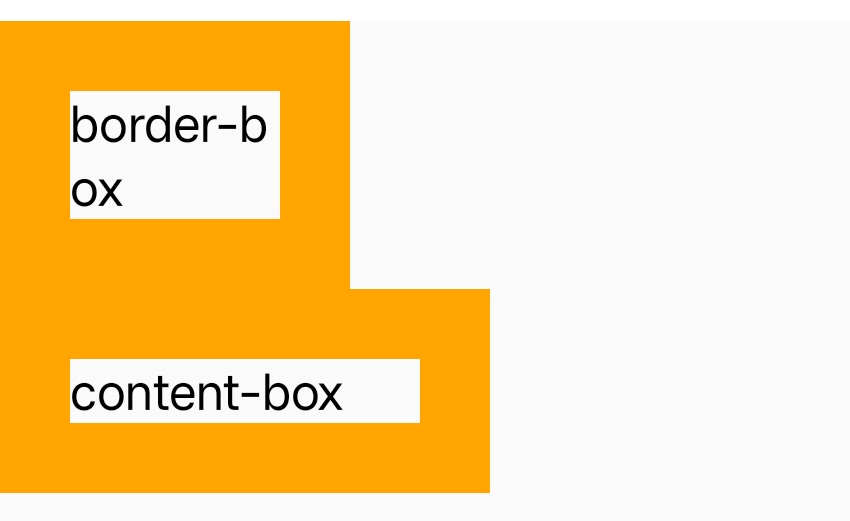
语法
取值
-
auto默认值。
lynx根据一些条件决定具体值。 -
<length><length>将宽度定义为一个绝对值。 -
<percentage>使用外层元件的容纳区块宽度(the containing block's width)的百分比定义宽度。
-
max-content
元件内容固有的(intrinsic)合适宽度。
-
fit-content在内容最大宽度及
fit-content定义值中取最小值。
形式定义
| 初始值 | auto |
| 适用元素 | 所有元件 |
| 是否支持继承 | 否 |
| 是否支持动画 | 是 |
| 百分比 | refer to the width of the containing block |
与 Web 的区别
width默认决定的是边框区域(border area)的宽度,而 Web 是content area;- 不支持
min-content;
兼容性
LCD tables only load in the browser