

PerformanceObserver: observe() method
指定要观察的性能事件的类型并开始观察。当一个匹配的 PerformanceEntry 产生时,创建 PerformanceObserver 时设置的回调函数将被调用。
语法
参数
entryIdentifiers
要观察的 PerformanceEntry 的标识符组成的列表。
你可以使用 entryType 或 entryType.name 作为标识符。比如可以使用 "metric" 来监听包括 MetricFcpEntry 和 MetricActualFmpEntry
在内的整个 metric 类型的性能事件。也可以使用 "metric.fcp" 来仅监听 MetricFcpEntry 这一种性能事件。
请参见 PerformanceEntry.entryType 和 PerformanceEntry.name
以获取可用的类型和名称。无法识别的类型会被忽略。如果没有找到有效的类型,observe() 将不起作用。
Tip
推荐在初始化阶段调用该方法,比如根组件的 constructor 或 useMemo Hook 中以确保在组件或页面加载时尽早调用,以避免错过部分数据。
返回值
无 (undefined)
示例
观察某些 entryType 下所有的性能事件
此示例创建了一个 PerformanceObserver,通过 ["metric", "pipeline"] 和观察整个 metric 和 pipeline 类型的 PerformanceEntry。
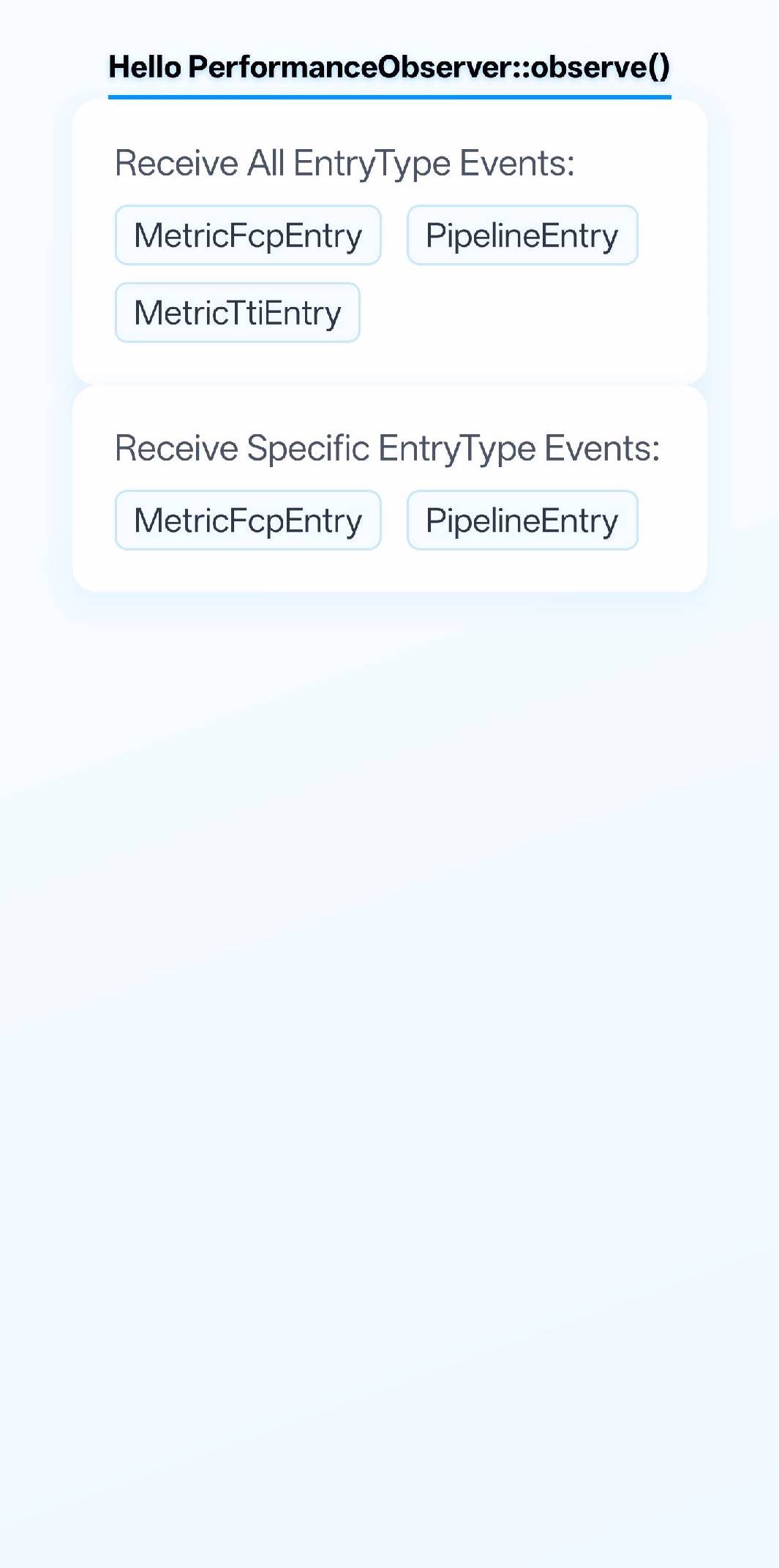
观察某些特定的性能事件
此示例创建了一个 PerformanceObserver,通过 ["metric.fcp", "pipeline"] 观察 MetricFcpEntry 和整个 pipeline 类型的 PerformanceEntry。
兼容性
LCD tables only load in the browser