For AI agents: the complete documentation index is available at /next/zh/llms.txt, the full documentation bundle is available at /next/zh/llms-full.txt, and this page is available as Markdown at /next/zh/api/css/properties/cursor.md.
Lynx
  • 简体中文
  • cursor

    介绍

    CSS 属性 cursor 用于控制鼠标悬停在元素上时显示的指针样式。

    使用示例
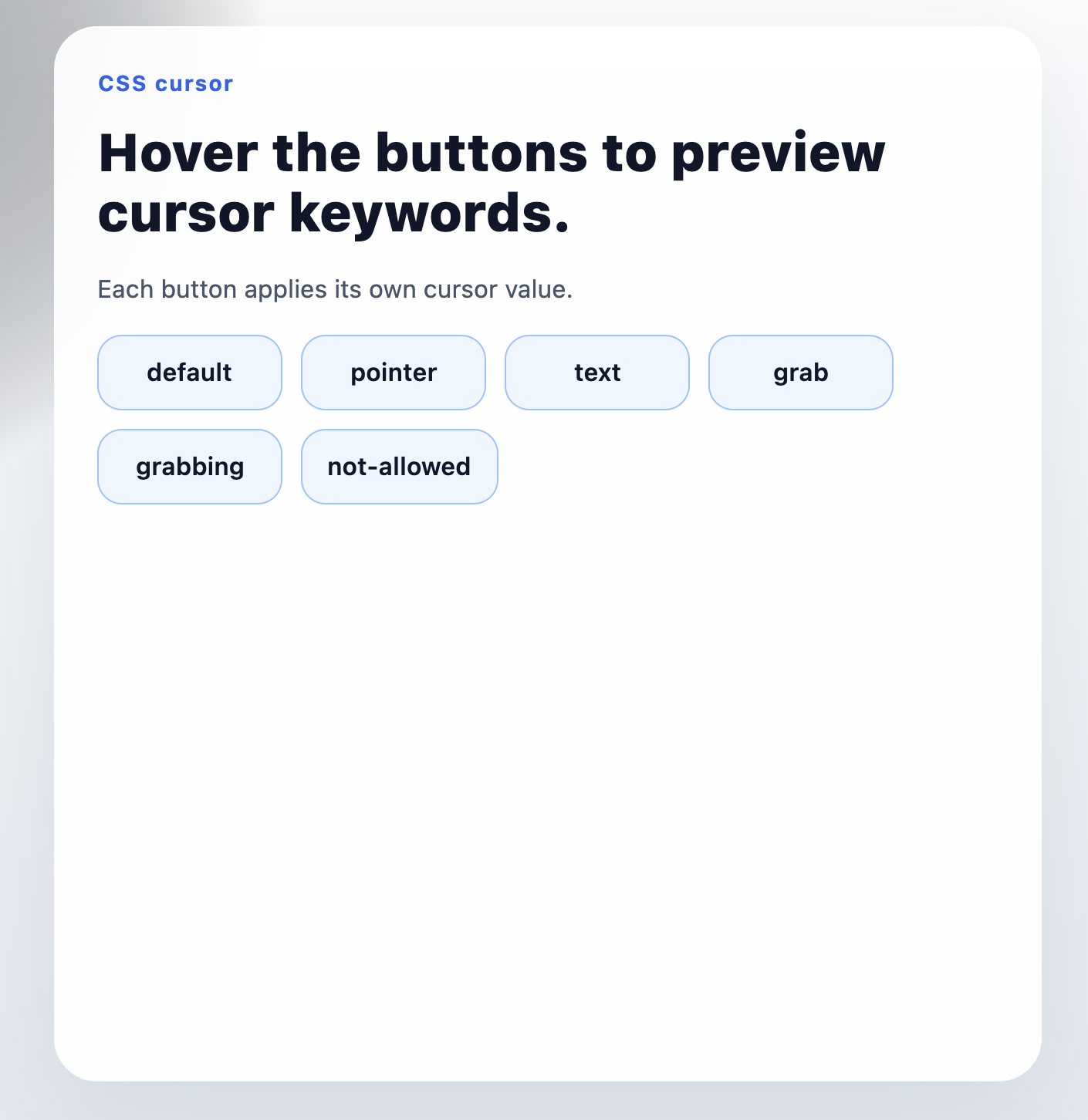
    语法

    cursor: pointer;

    取值

    Lynx 目前只支持 keyword 关键字取值,例如 pointertextgrab 等标准光标关键字。

    Lynx 小程序语法

    你可以像使用其他 CSS 属性一样声明 cursor

    <view class="clickable">
      <text>Hover me</text>
    </view>
    .clickable {
      cursor: pointer;
    }

    如果你的编译链路没有按预期让 cursor 生效,优先改用样式表选择器或 class 声明。

    React 语法

    <view style={{ cursor: 'pointer' }}>
      <text>Hover me</text>
    </view>

    形式定义

    初始值auto
    适用元素所有元素
    是否支持继承yes
    是否支持动画no

    形式语法

    cursor: <cursor-keyword>;

    与 Web 的区别

    • 目前只支持 keyword 关键字取值。
    • 暂不支持 URL 光标、本地图片光标,以及自定义 hotspot 位置。

    注意事项

    • 如果希望 cursor 在 Lynx 中参与继承,需要先在前端配置中启用 CSS inheritance。
    • 你也可以显式将 cursor 加入 customCSSInheritanceList
    • 更多说明可参考 enableCSSInheritancecustomCSSInheritanceList

    兼容性

    LCD tables only load in the browser

    除非另有说明,本项目采用知识共享署名 4.0 国际许可协议进行许可,代码示例采用 Apache License 2.0 许可协议进行许可。