

cursor
介绍
CSS 属性 cursor 用于控制鼠标悬停在元素上时显示的指针样式。
使用示例
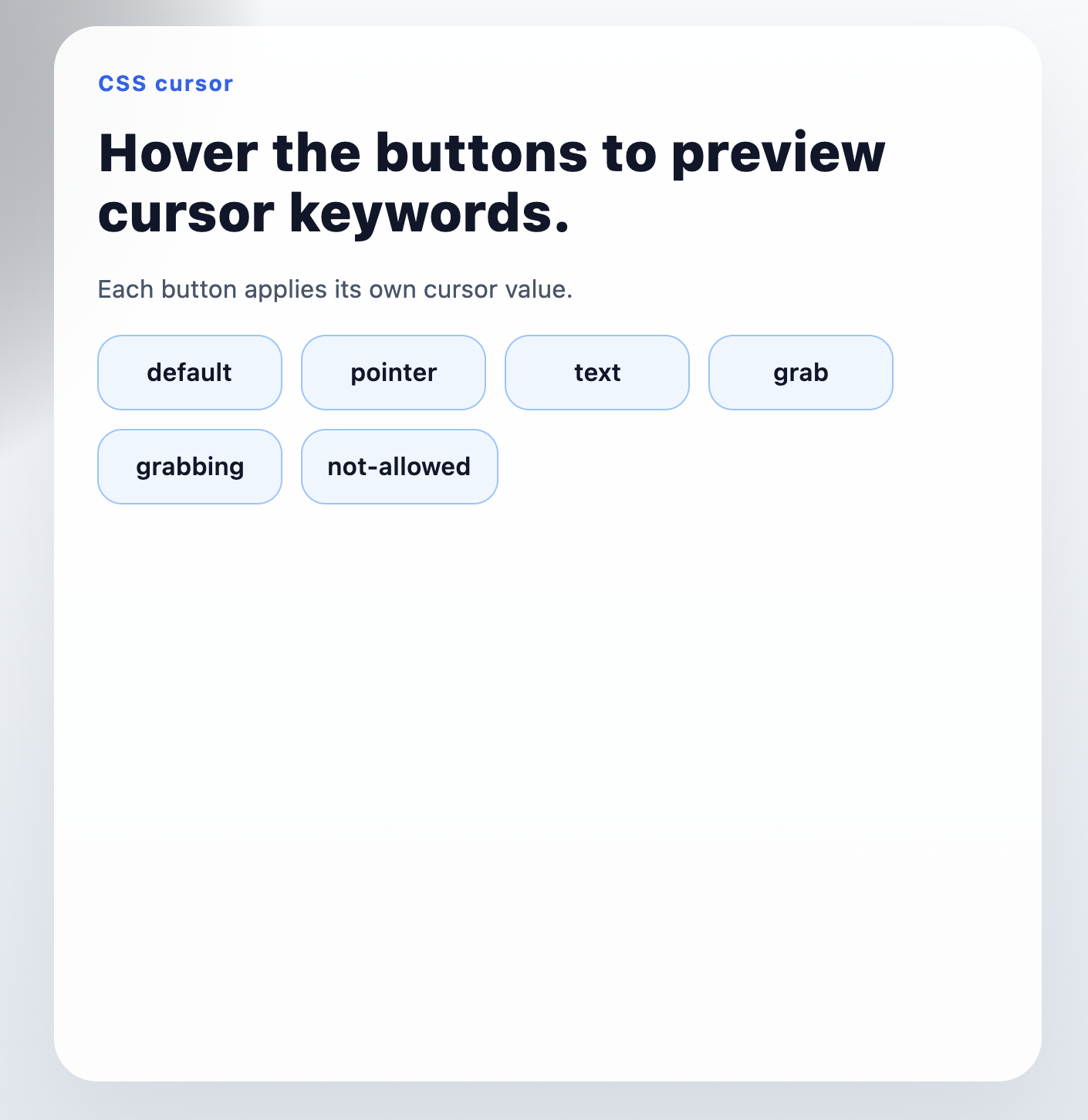
语法
取值
Lynx 目前只支持 keyword 关键字取值,例如 pointer、text、grab 等标准光标关键字。
Lynx 小程序语法
你可以像使用其他 CSS 属性一样声明 cursor。
如果你的编译链路没有按预期让 cursor 生效,优先改用样式表选择器或 class 声明。
React 语法
形式定义
| 初始值 | auto |
| 适用元素 | 所有元素 |
| 是否支持继承 | yes |
| 是否支持动画 | no |
形式语法
与 Web 的区别
- 目前只支持 keyword 关键字取值。
- 暂不支持 URL 光标、本地图片光标,以及自定义 hotspot 位置。
注意事项
- 如果希望
cursor在 Lynx 中参与继承,需要先在前端配置中启用 CSS inheritance。 - 你也可以显式将
cursor加入customCSSInheritanceList。 - 更多说明可参考
enableCSSInheritance和customCSSInheritanceList。
兼容性
LCD tables only load in the browser